Add a prayer or plan-a-visit form to your site
A first-time guest who tells you they're coming, or someone asking for prayer at midnight, is someone you get to meet. Your Aligned website has these forms built in, ready to switch on, and any form you build, like a connect card, can sit on any page. Visitors see your changes after you publish.
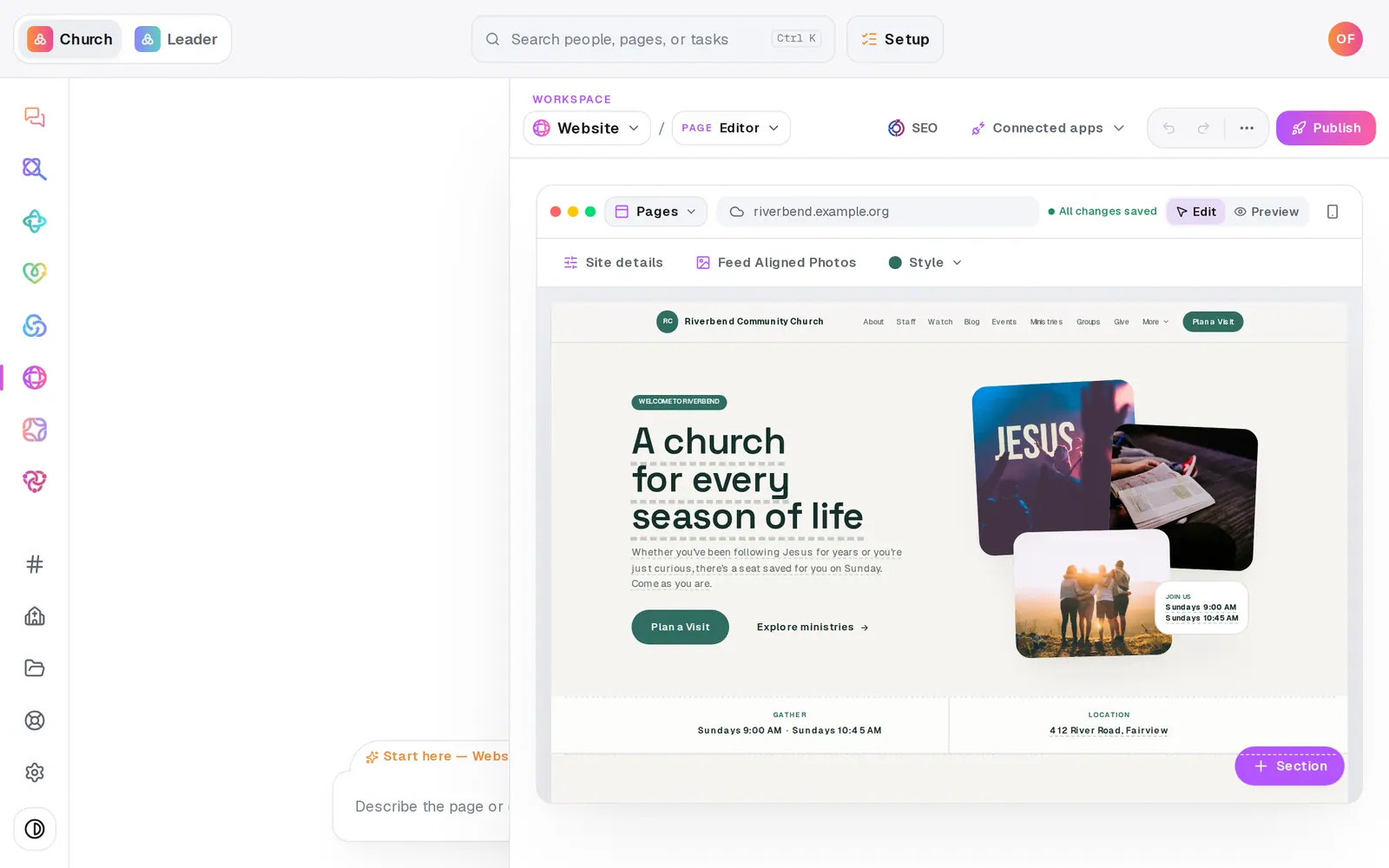
1/7 · In the Website module, choose Forms from the page menu
Good to know
- Prayer requests shared with the prayer team also go to Prayer in Manage, and plan-a-visit requests show up in Connect requests, so they reach the people who follow up.
- Using Planning Center? Once it's connected in Automations → Connected apps, the Planning Center People switch at the bottom of this page adds new plan-a-visit, newsletter and contact responses there. Prayer requests are never sent.
- The Website chat can switch them too: “turn off the prayer form” or “enable newsletter signup”.
If it’s not working
A form says “Enable this form above to edit it”
That form is switched off, so it isn't on your site. Turn it on in the list at the top of the page.
The form says “Preview only” when I try it
You're trying it in the editor, where forms never send, even once your site is live. Open your live site and try it there. If your site has never been published, press Go live on the Publish page first.
My form isn't on the live site
Placing a form, or switching one on, needs a publish. A form that's closed in Manage → Forms is hidden on the site too, and says “closed, hidden on the site” in Your church forms.
A form in the list says “No longer exists”
It was deleted in Manage, so it's already hidden on that page. Press its trash button to clear it from the list.
Sending the form says “Too many submissions”
To keep spam out, only a few sends are allowed from one internet address in a short time. Everyone on one connection shares an address, like your building's Wi-Fi, and your own test sends count too. Wait a few minutes and send again. People on their own phone data usually count separately.
Next, you might want to
- See who filled out your formsGet an email for every response, review what came in, add people to your directory, and find your website's plan-a-visit and prayer responses.
- Make a digital connect cardBuild a connect card or sign-up form, share its link, and close or delete it when you're done collecting.
- Collect and pray through prayer requestsGather requests from your website and your own notes in one inbox, approve them, and pray through the list one at a time.
- Publish your website and share itCheck your site on a phone, see what's ready, pick your address, go live, and share the link or QR code.