Ask members to update their own info
Phone numbers change and families move, and chasing every update yourself isn't anyone's idea of ministry. Send someone a link to check their own details, with no account or password needed, or copy the link to their member hub and send it however you like.
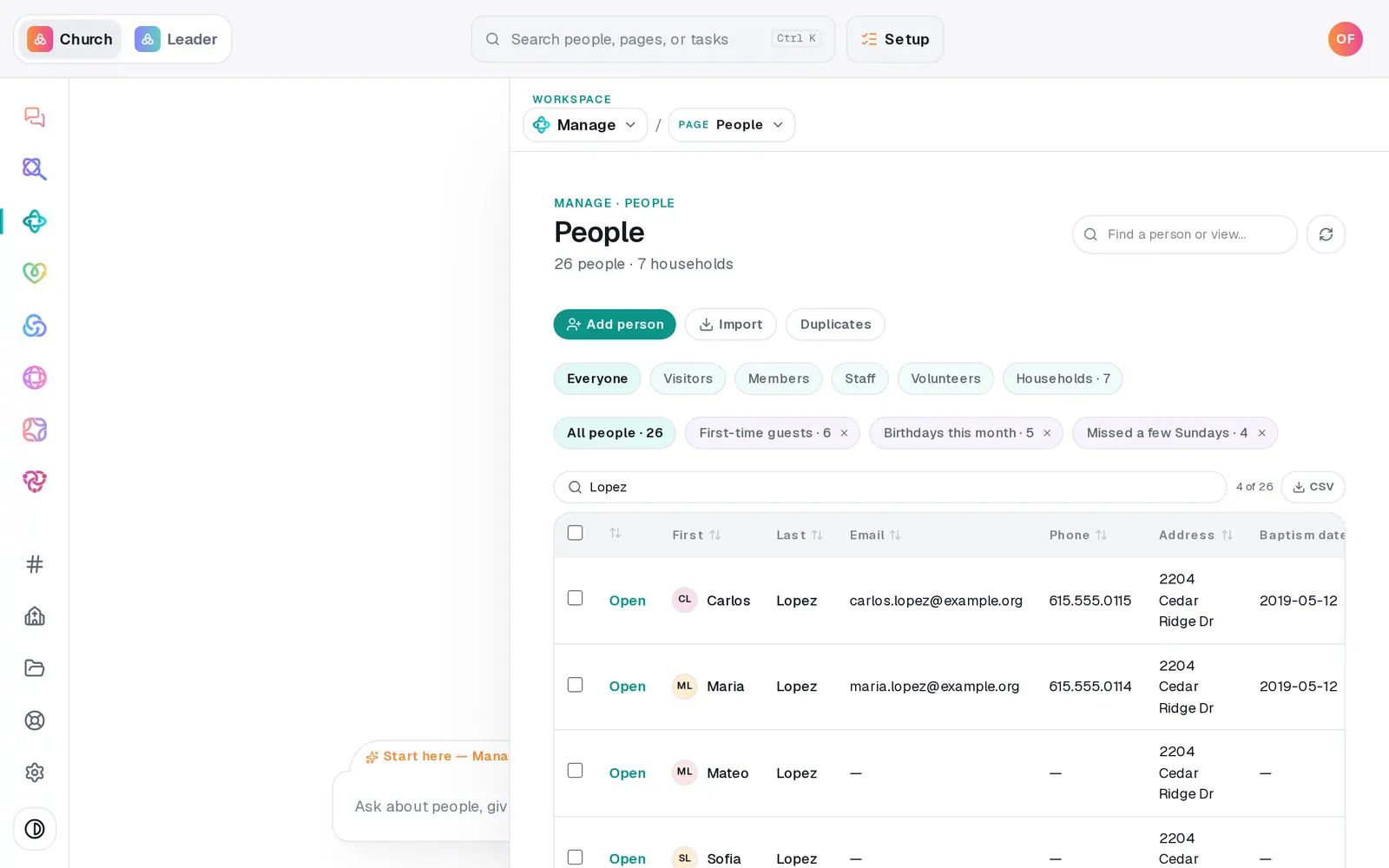
1/3 · On People, press Open next to their name
Good to know
- The “Is your info up to date?” email includes the link to their member hub too, so one email covers both.
- What they change goes straight onto their profile and the People table. Activity → Members lists the changes people made to their own details, newest first. It opens on the last 30 days, so pick All time to look further back.
- To ask your whole church at once, Manage → Go Live → Church App & Member Pages sends everyone with an email or a phone their own link, by email and, once your church's texting number is live, by text. You see a preview, the count and anyone skipped before anything goes.
- A member hub never opens someone's giving account. To manage recurring gifts they sign in on your giving page with their email, or use the link in any giving receipt.
If it’s not working
I don't see the “check your info” button
It only shows when the person has an email address on file. Add one in the Email column on People, then open their profile again. If neither link button shows for anyone, your role can view Manage but not change it, so ask your church's account owner.
It says “Couldn't send — connect your church mailbox first.”
This email goes from your church's own Gmail or Outlook, so one has to be connected under Automations → Connected apps (your account owner or an admin can do that). Until then, copy their member hub link and send it yourself. You'll see the same message if email to their address has bounced or been reported as spam before.
It says “Couldn't copy — long-press the link to copy it manually.”
Your browser blocked copying. Press the button again, or send the “check your info” email instead, which includes their member hub link.
Next, you might want to
- Update someone's details or statusFix a phone number or a name right in the People table, mark someone a member or a visitor, and add your church's own word for it.
- See who changed whatRead your church's change history (what was added, updated, archived or imported, by whom and when) for everyone or for one person.
- Update your contact info with your churchChange your phone, email or address from your church's link, and see your church life in one place on your member hub.
- Choose where your church email comes fromSend church email from your own address on aligned.church, turned on in one tap, or from your church's Gmail or Outlook.