Bring over donors and giving history
Year-end statements need the whole year, not just the weeks since you switched. Aligned brings your donors and past gifts over from the platform you're leaving, straight from a connected app or from its export file. They arrive as records: no money moves, no card is charged, and no donor hears a thing.
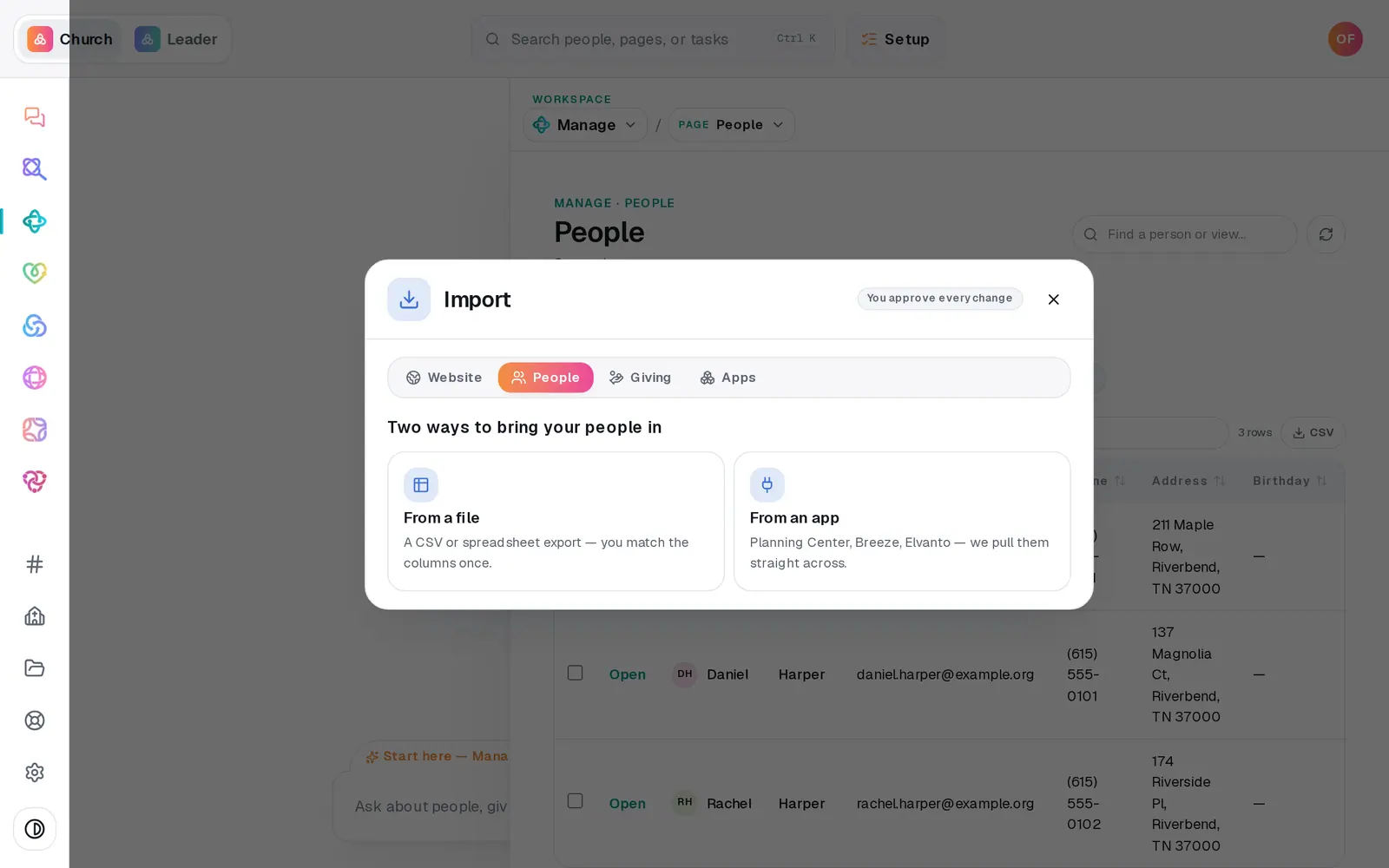
1/6 · In Import, choose the Giving tab
Good to know
- From Planning Center or Breeze, each donor arrives matched to their person, and their donor record shows Linked in People and their household. That's why people come first.
- Running an import from a connected app again is safe: gifts already in are skipped.
- A long history from a connected app comes across in slices, so run the import again whenever the result says there's more history than one run can pull. If a run brings nothing new but still says there's more, message us from Help.
- Recurring gifts from an app arrive paused and marked Nobody asked yet. Aligned never contacts those donors on its own; the Switch & migrate page covers how they move.
If it’s not working
It says “Cap is 2,000 gifts per file”
Split the export into parts (most spreadsheets can save a range of rows), keep the header row at the top of each part, make sure no gift is in two parts, and upload each one.
It says “Map a Date received and an Amount column to continue”
Use the drop-downs above the preview to say which column holds the date and which holds the amount. Everything else is optional.
It says “No importable rows — every gift needs a readable date and amount”
The date or amount column is mapped to the wrong column, or its values aren't readable. Check the preview rows, fix the mapping, and press Import again.
It says “That import didn't go through — try again”
First make sure your giving account has been started in Giving → Setup, because past gifts need it to land on. If it has, press Import again without choosing the file again: it picks up where it stopped, and nothing lands twice.
A donor shows no household
A donor is linked to their person in two ways: their gifts came in from Planning Center or Breeze once your people were already in Aligned, or the donor signs in to their own giving portal. A file import doesn't link anyone on its own. A couple sharing one email address is left unlinked on purpose, because there's no telling whose gift it was. Their gifts and year-end totals aren't affected. The link helps you find the person, and lets their statement print the address from People when their donor record has none.
Next, you might want to
- Bring your people over from your old systemConnect Planning Center, Breeze, Elvanto or Church Community Builder and bring your people across, with their families, groups and events, approving every change.
- Move your giving from Tithe.ly, Pushpay or another platformChoose Fresh Start or Full Carryover, and see what happens to your donors, their history and their recurring gifts.
- Move donors' saved cards and recurring giftsChoose Full Carryover and send one short request. The Aligned team moves your donors' saved cards and schedules, so nobody has to set their gift up again.
- Tell donors about the moveEmail your donors a branded invite, see who has moved their recurring gift, nudge the rest, and know when to cancel the old platform.