Build a new church website from a short interview
No website yet, or ready for a clean start? You don't need a designer or a free weekend. Aligned asks eight short questions in the chat, most of them taps, and builds the whole site from your answers in a few minutes.
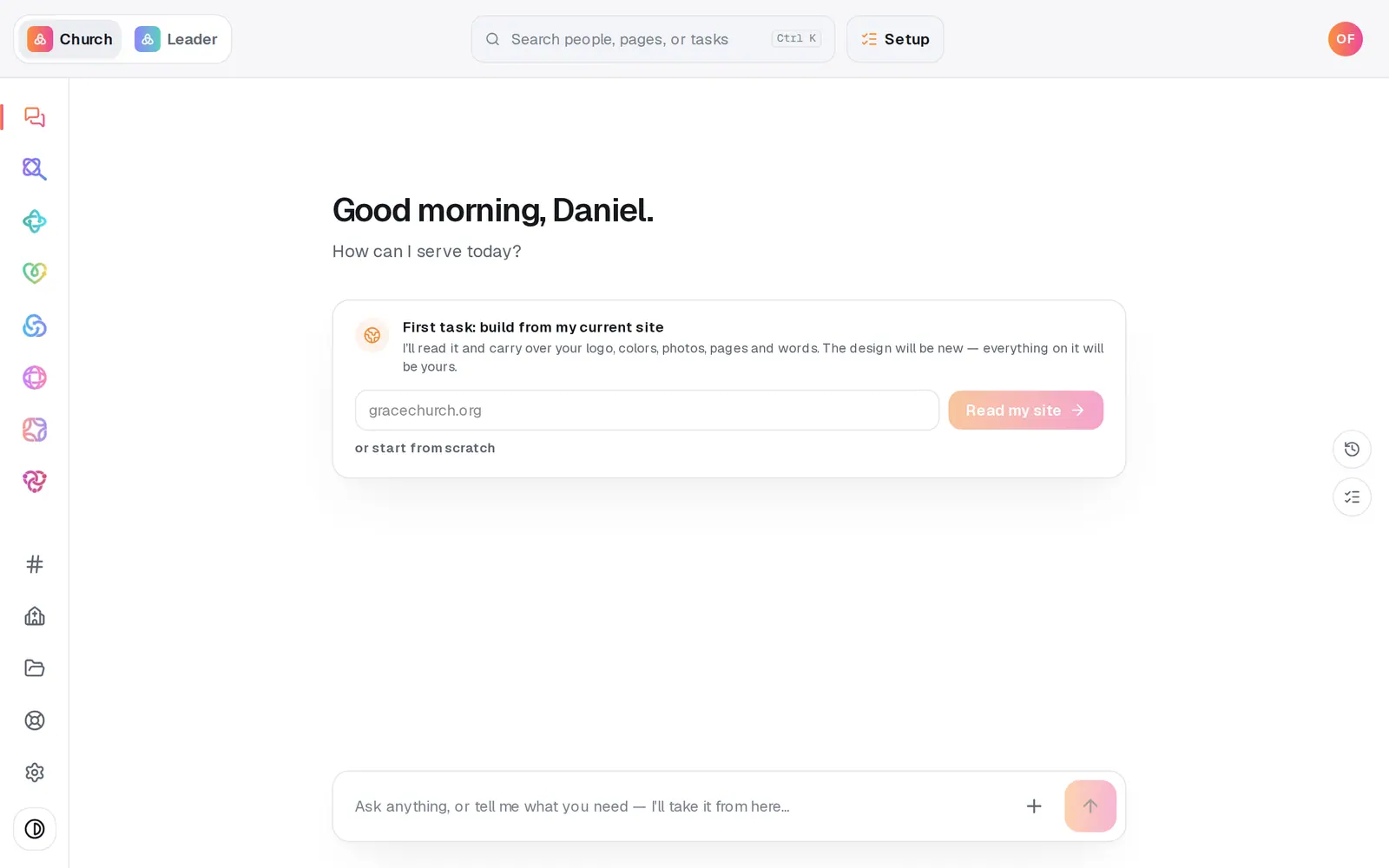
1/7 · Open Website from the left rail (on a phone, from the bar along the bottom)
Good to know
- Every answer saves as you go, so you can leave part-way and pick up where you stopped.
- You can type your answer to the question on screen instead of tapping, like “we're a church plant reaching young families” when it asks who you want to reach.
- Your logo can be a PNG, JPG or WebP file up to 12 MB. Aligned takes your site's colors from it.
- Changed your mind later? Open Site details from the page menu next to Website and tap an answer to change it. Once the site is built, each answer changes only its own part. Basics changes your service times and address. Church changes your name and city, and a search title or app name you haven't changed follows a new name. If Aligned reads your website again from this answer, what it finds only fills gaps. Voice & vibe changes the design, the font and your home page's hero layout, and keeps the accent color you chose. Identity changes your logo and its colors, and Audience the order of your home page's sections. Priorities adds the pages it names to your menu and takes none off. A new Sources answer leaves your pages, menu and look as they are, and Final notes wait for the next build. When an answer changes your site, a note in the chat says what changed, with Undo, and Version history in the ··· menu keeps the site as it was. For a new look alone, use Style. Update my answers & rebuild goes over several answers at once and builds the whole site again.
If it’s not working
The build stopped and asks me to build again
Your answers are saved. Press Build my website on the card that appears to try again.
It says a page “was written with placeholder copy”
The writing for that page didn't come back usable, so Aligned saved it with plain wording built only from your facts. Read the page and fix anything you like, then tell the chat “the Contact page looks good”, using that page's name.
It says “We couldn't write visitor-ready copy for any page this time.”
Nothing on your site was changed, and your answers are kept. Press Retry to build it again.
It says my website draft didn't save, so the build hasn't started
Press Retry on that message. It saves the draft again, and your answers too if the message says they didn't save, then starts the build.
I skipped a question and now the site has gaps
Skipped answers become editable prompts, never invented facts. Fill them in on the canvas. A skipped Basics or Sources answer can also go in from Site details: tap it and answer in the chat. A Basics answer changes only those facts, and a Sources answer leaves your pages, menu and look as they are. Answering a skipped Voice & vibe, Identity, Audience or Priorities question there changes only its own part of a built site, like the look for Voice & vibe or your logo for Identity.
Next, you might want to
- Rebuild your current website on AlignedGive Aligned your current site's address and get a new site built from it, with your logo, colors, photos, pages, words and blog posts.
- Change your website by telling Aligned what you wantAsk for a warmer homepage, a new page or giving moved higher, see exactly what changed, and publish it when you're happy.
- Update service times and address on your siteChange your service times or address in one place, and your site and your church's record both use the new ones.
- Publish your website and share itCheck your site on a phone, see what's ready, pick your address, go live, and share the link or QR code.