Export your people to a spreadsheet
The denomination wants numbers, a ministry leader wants a list, or you'd like your own copy of your records. Everything in your directory downloads as a spreadsheet file (a CSV) whenever you like, because your church's data is always yours.
About 2 minutes Part of Aligned ChurchUpdated September 29, 2026
aligned.church/church
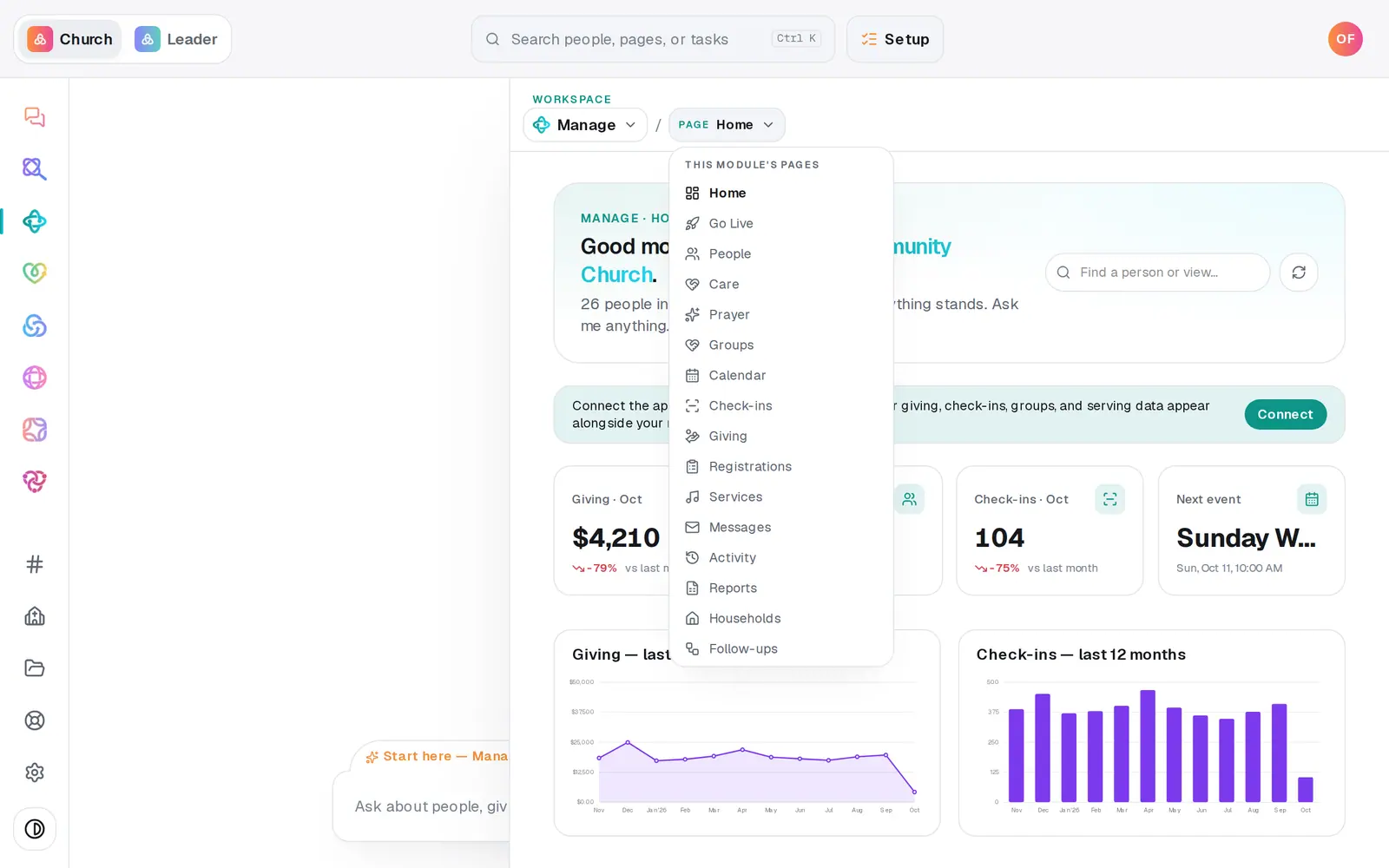
1/4 · In Manage, open Reports
Before you start: The downloads on Reports are for the account owner and staff whose role can edit Manage.
Good to know
- The files open in Excel, Numbers or Google Sheets.
- In the People file, Status is Visitor, Member, Staff or Volunteer, Membership is your church's own wording, and Record status says whether someone is active or archived.
- People who live in a connected app (marked read-only) stay in that app, so they aren't in the Reports downloads. The table's CSV includes them, with a Source column.
- Giving has its own exports: Giving → Donations → Export all downloads every gift.
If it’s not working
I can't see Reports
Your role can only view Manage. Reports are for the account owner and staff who can edit Manage, so ask your church's account owner for access.
My custom fields aren't in the People file
The Reports download carries the standard details. Use the CSV button on the People table instead. It includes each custom field column shown there (fields marked sensitive stay out).
It says “Export failed — try again.”
The file didn't finish building that time. Wait a moment and press it again.
Did this help?
Next, you might want to
- See how your church is doingGet the week at a glance, see members and visitors and who you can reach, and track goals like first-time guests each week.
- Make a list you can email or textBuild a saved list, like this fall's new visitors, that keeps itself up to date and is ready whenever you email or text.
- Run giving reports and exportsGive your treasurer giving by fund, month or donor, and download every donation as a spreadsheet.
- Bring your people over from your old systemConnect Planning Center, Breeze, Elvanto or Church Community Builder and bring your people across, with their families, groups and events, approving every change.