Follow up with every newcomer
Sunday brought a few new faces, and by Thursday it's easy to lose track of who heard from whom. A follow-up plan is the handful of steps your church takes with every newcomer, like a text, a pastor's call and an invite to a group, and its board shows who's at which step, so nobody slips through the cracks.
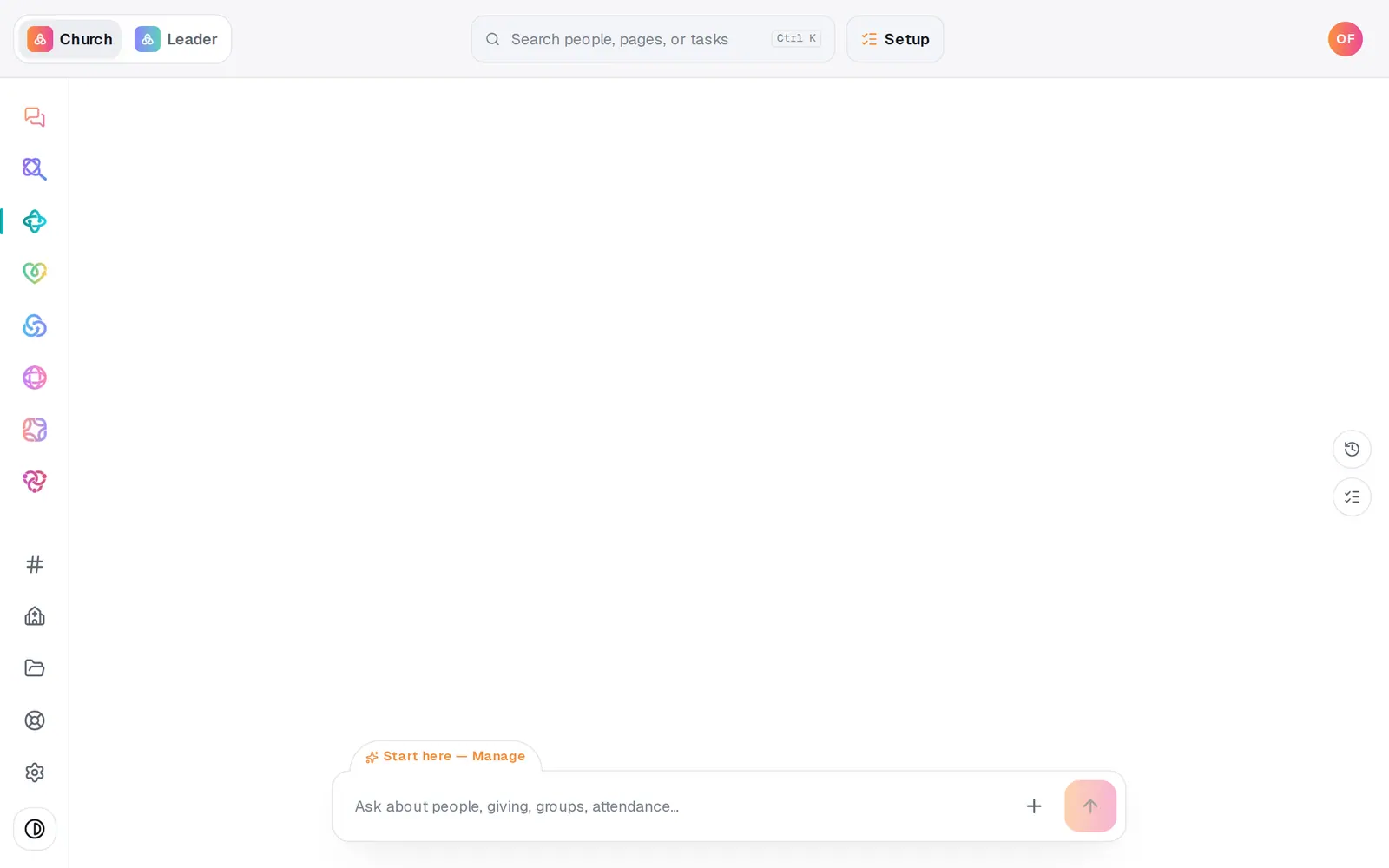
1/6 · In the chat, describe the steps you take with every newcomer
Good to know
- Start the plan by itself for new people: on People, press a saved list like First-time guests, then choose start “Newcomer follow-up” under When someone new matches “First-time guests”. People who join the list from then on start the plan on their own; anyone already on it isn't added.
- Want a welcome text or email to go out by itself too? That's an automation, and it can run alongside your plan.
- Planning a Sunday for guests? Manage → Go Live → New Here walks your team through a connect card, greeters and a same-day text.
If it’s not working
I can't find a way to build a plan on the Follow-ups page
Plans are made in the chat: describe your steps and the plan appears on the board. An empty board has an example sentence you can press to start.
I moved someone forward by mistake
Cards only move forward. Take the person out with ✕, then start the plan for them again. They start over at step one.
People already on my list weren't added to the plan
A list only starts the plan for people who newly match it after you set it up. Add the people already on it from People with the bar that appears when you tick them.
I only want to see my own follow-ups
The board shows everyone's cards. Yours are on Manage Home under Waiting on you.
Next, you might want to
- Make a list you can email or textBuild a saved list, like this fall's new visitors, that keeps itself up to date and is ready whenever you email or text.
- Text first-time visitors automaticallySend every first-time guest a welcome text the first time they check in at one of your stations.
- Put follow-up on autopilotStart from a ready-made recipe, like a welcome text or a prayer alert, and turn on your first automation.
- Make a digital connect cardBuild a connect card or sign-up form, share its link, and close or delete it when you're done collecting.