Get your church its own app
On Sunday morning, nearly everyone has a phone in their pocket. An Aligned app puts your church's website on their home screen, full screen and under your church's name, and it stays up to date whenever the website does.
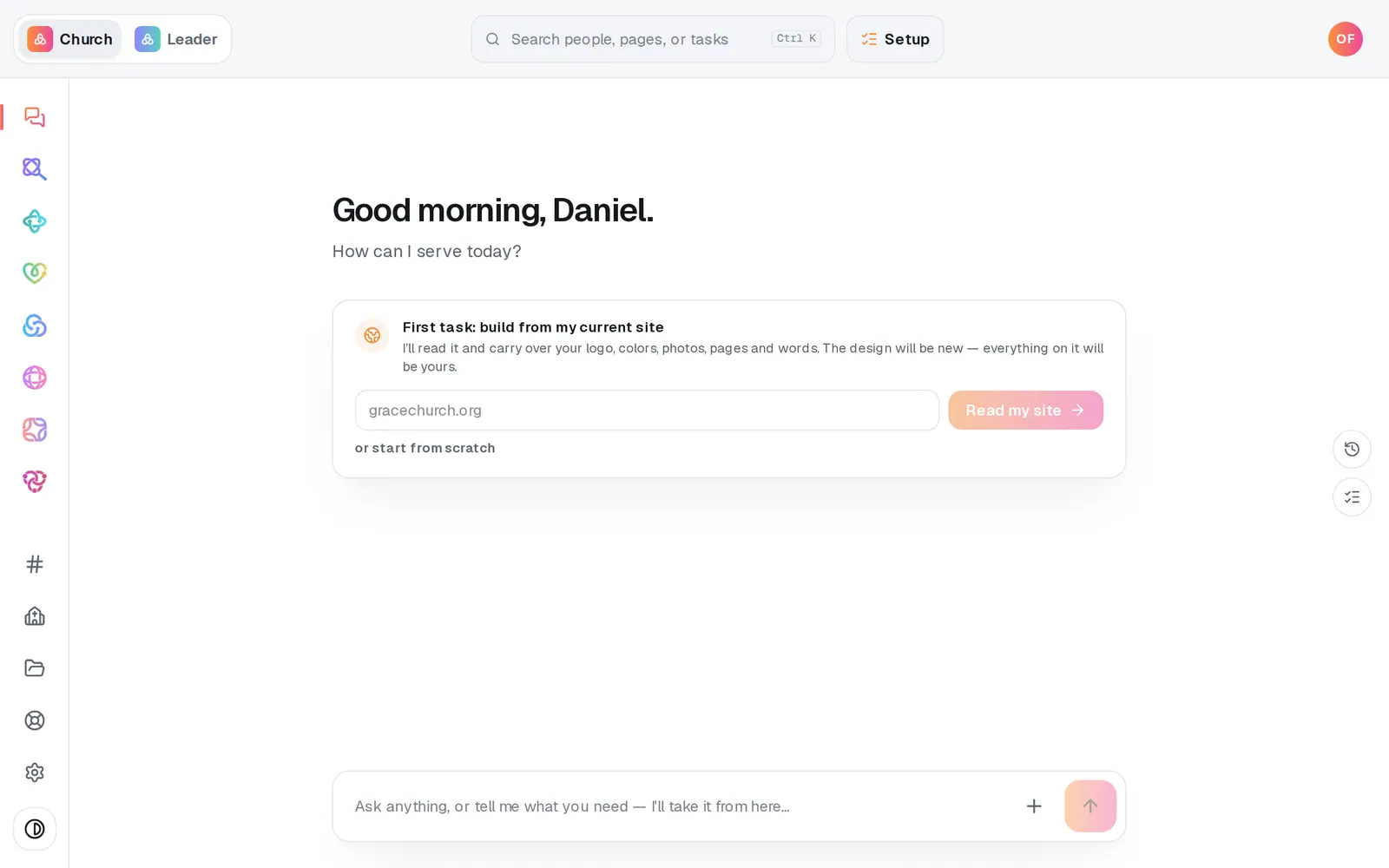
1/7 · Open App from the left rail
Good to know
- You never update the app itself. Change your website and the app shows it within about a minute, with no store release. Only a new name or icon waits for the next store release.
- Already have a church app from another company? Press Already have a church app? on the App page. Whether your new app can replace it on the same store listing depends on whose developer account the old one is under.
- The chat can take it from here: “continue app setup” says where your app stands and the one next step, with a card that counts what's ready and what's left.
If it’s not working
It says “Couldn't read it”
Your site blocked our reader or didn't answer. That isn't a mark against it. Press Use this site for my app anyway, or Read my site again in a minute.
It says my site is “Dated on a phone” or “Not built for phones”
The app is only as good as the site inside it. Rebuild my site on Aligned reads your current site and rebuilds it phone-first, and you keep your address. Or press Use my site as it is.
The phone shows a QR code instead of my site
Your website's host doesn't allow it to be shown inside another page, which many hosts do by default. Nothing is wrong: scan the code to see your site on a real phone, which is what the app shows.
I changed my Aligned website and the app doesn't show it
The app opens your published site. Publish the website, and the app (and the phone on the App page) follow within about a minute.
It says “Couldn't load your app's setup”
Nothing about your app changed. Press Retry.
Next, you might want to
- Publish your app to the App Store and Google PlayWrite your store listing, connect your Apple and Google accounts, build the app, submit it for review, and fix it if a store says no.
- Send a push notification to your church appSend a short announcement to your team: everyone on it who turned on notifications in the Aligned app or their browser.
- Rebuild your current website on AlignedGive Aligned your current site's address and get a new site built from it, with your logo, colors, photos, pages, words and blog posts.
- Set your church's brand color and logoPick your color and add your logo once, and your giving page, check-in screens and the other pages your people see all match.