Remove something Aligned learned from
A policy that's no longer true, or a guest sermon that doesn't sound like you, shouldn't keep shaping your answers. Taking something out is as quick as putting it in, and each step below says exactly what it removes.
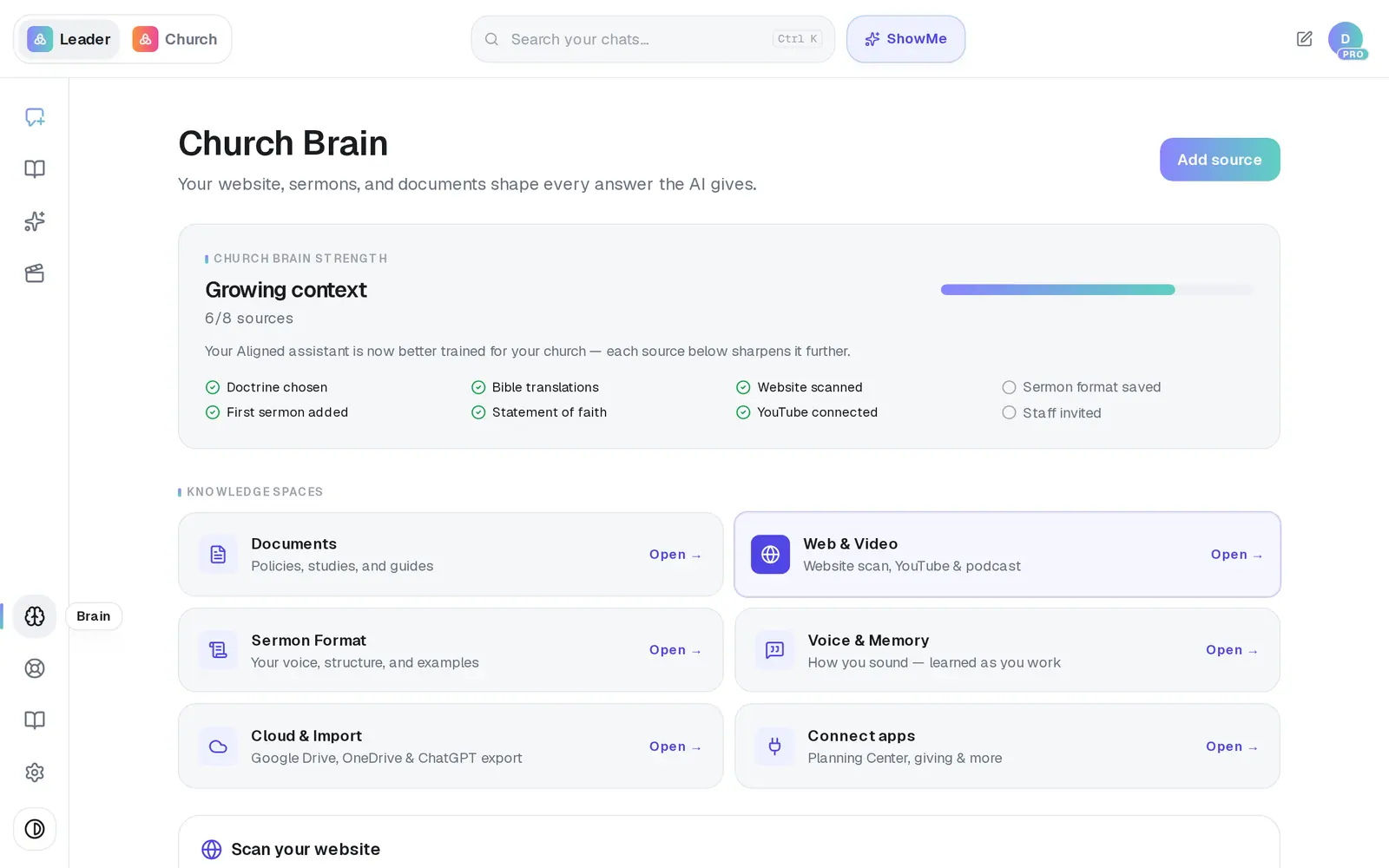
1/6 · In Brain, open Documents
Good to know
- Search for a sermon by title in Search imported sermons… above the list, instead of scrolling for it.
- Switching from your channel to a sermon playlist? Disconnect, paste the playlist link and press Connect. Sermons already in stay in your Church Brain, but any that are also on the playlist come in a second time, and one you removed can come back.
- Want Aligned to forget something it picked up in a chat? That's Clear remembered context in Voice & Memory — it leaves your documents and sermons alone.
If it’s not working
I deleted the wrong document
There's no undo. Upload it again under Documents and it's read in afresh.
A document I deleted came back
The delete didn't go through. Press the trash icon again, then leave the Church Brain and open Documents once more to check it's gone.
My drafts sound more generic since I deleted a sermon
Deleting a sermon from Documents also clears the voice Aligned learned, because it's blended across all your sermons. It fills back in as new sermons come in, and Aligned relearns it from across your whole library every so often after that. Removing a synced sermon from Web & Video doesn't do this.
Next, you might want to
- Stop drafts repeating the same phrasesSee the phrases Aligned picked up from your sermons and what it remembers from your chats, and reset either one.
- Upload your statement of faith and documentsAdd your beliefs, policies and manuscripts so Aligned draws on them, and choose which ones your website may quote.
- Bring in your sermons from YouTubeConnect your channel or playlist so Aligned learns how you preach, and star the sermons that sound most like you.