Reorder, move or delete book chapters
Books grow a chapter at a time, and they rarely arrive in order — a chapter lands in the wrong book, or an early attempt hangs around after the real one is written. Reordering and moving never change a chapter's text; deleting one can't be undone.
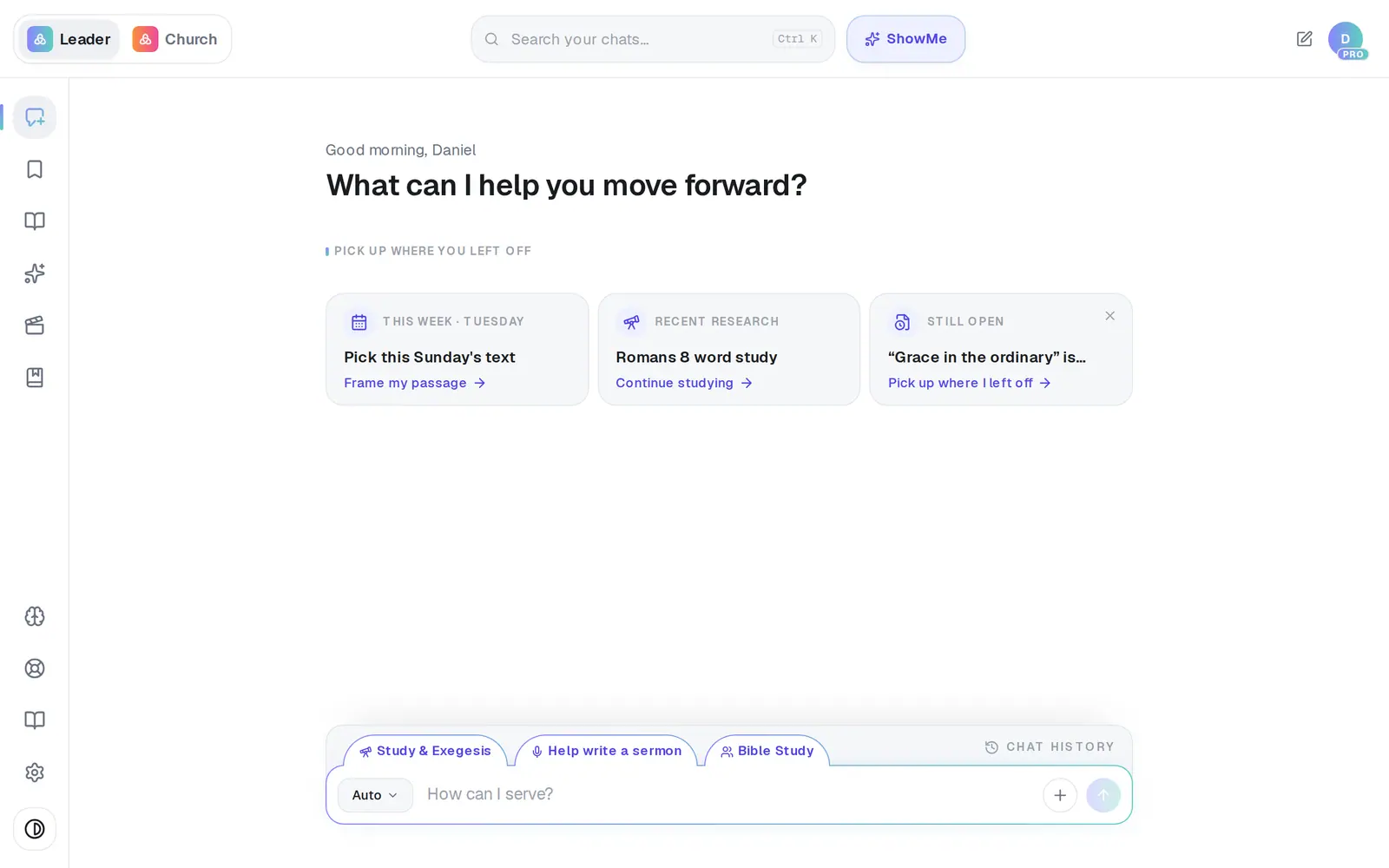
1/7 · Tap Books in the left rail
Good to know
- Rename a book with Rename on its row: type the new title, then press Enter or tap away.
- Deleting a whole book (the trash on the book's own row, then Delete) keeps its chapters — they become ordinary chats in Chat History.
- A chapter's own name is changed from the title field at the top of its canvas.
- There's no way to download a whole book in one go — each chapter exports on its own from its canvas.
If it’s not working
I can't find Books
It only appears once you have a book. Pick Book / Chapter from Turn into at the top of a draft's canvas, and Aligned starts one for you.
There's no Move to… on my chapters
It needs somewhere to go: with only one book there's nothing to move to. Tap New book at the top of the Books screen, then Move to… appears.
I can't drag chapters on my phone
Reordering is done by dragging on a computer, where the grip shows when you point at a chapter. Open Aligned on a computer to put chapters in order.
My chapters went back to the old order
The new order didn't go through, and nothing on screen says so. Check your connection and drag the chapter into place again. To be sure it stayed, reload the page, then open Books and the book again.
It says “Couldn't move that chapter. Try again.”
The move didn't go through and the chapter stayed where it was. Check your connection and try again. “Couldn't delete that chapter” works the same way.
Next, you might want to
- Write a book one chapter at a timeStart a book, write its chapters with Aligned, and keep them together in one place.
- Organize your drafts into foldersMake folders in Saved Work, move drafts into them, and rename or delete what you don't need.
- Find a past chat or sermonGet back to a conversation from yesterday or last month, even if you only remember a phrase.
- Turn your sermon into a devotional or studyUse Turn into to make a devotional, small-group study, kids lesson or social posts from a finished draft.