Add people and group them into families
A new family visited on Sunday and you'd like them in your directory before the week gets away from you. You can add one person with a short form, or type the whole family into the chat and have everyone added at once, already grouped as a household.
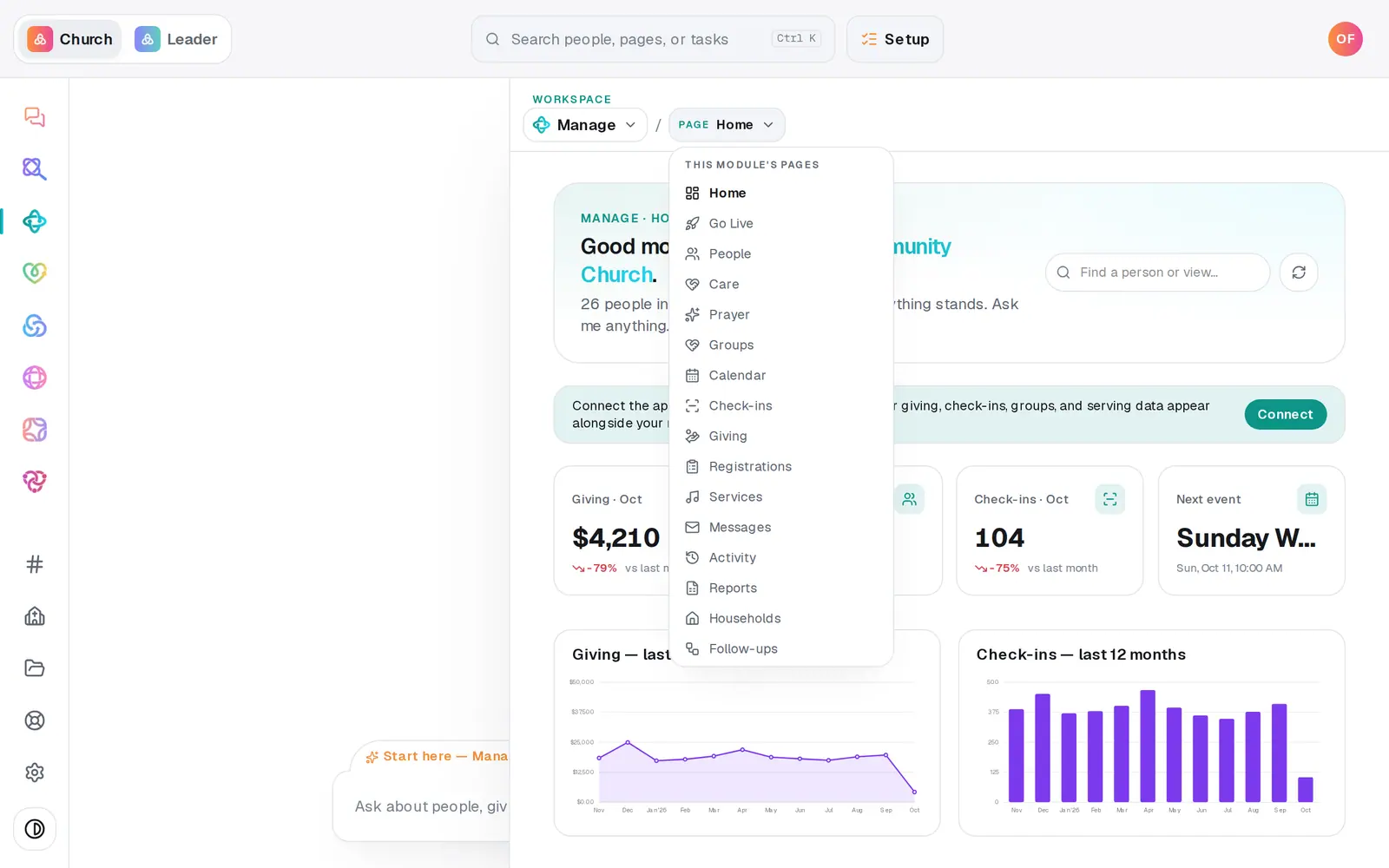
1/6 · In Manage, open People
Good to know
- You can add one person from the chat too, like “Add Sarah Miles, [email protected], 615-555-0100”. If someone with that name is already in your directory, Aligned asks whether to update them or add a second person before it does anything.
- A family's ages set who counts as a child, but birthday lists need real birthdates, so add them in the Birthday column on People whenever you have them. That's on a computer: on a phone, People shows a card for each person instead of the table.
- Grouping people already in your directory? On People, press Households (the last filter button), then New household. Name it, add each person from + Add a member from your people…, choose Primary contact, Adult or Child, and press Create household. Edit on a household's card renames it, adds the family's address (that's what places them on your congregation map) and changes roles; removing someone from a household keeps them in your directory.
- Adding many families at once? Paste them into the chat, one family per line, like “Smith family: Dan, Sue, kids Mia and Leo”. Aligned lists the families and how many people that is, and creates them when you tap to confirm, once your plan is switched on. Moving over from another system or a spreadsheet? Import on the People page brings everyone in at once.
If it’s not working
I don't see an Add person button
Your role can view Manage but not change it. Ask your church's account owner to give you a role that can edit Manage (Settings → Staff).
Saving says to create an account or finish setup first
That save is waiting on Setup: create your account there, or make your church's choice about how giving runs, then add them again.
The chat says “I couldn't make out the family members”
It couldn't make out who's in the family. Write it again with the family name and each person's first name, like the example above.
Aligned asked me for the kids' names
You counted the children without naming them, like “and their two kids”, and Aligned won't add a child with no name. Reply with their names, like “Ava 9, Ben 6”; ages are optional. Nothing is saved until you answer, and it asks only once, so name every child in that reply.
New household says “Add people to your roster first”
A household is made from people already in your directory. Add them first with Add person (or add the whole family from the chat, which does both at once).
Next, you might want to
- Update someone's details or statusFix a phone number or a name right in the People table, mark someone a member or a visitor, and add your church's own word for it.
- Merge duplicate peopleScan your directory for people who are in it twice, and combine each pair into one record.
- Follow up with every newcomerSet up a newcomer follow-up plan, put new people in it, and move each person through the steps until they're connected.
- Import people from a spreadsheetUpload a CSV of your members from any system or spreadsheet, match its columns once, and bring everyone in without duplicates.