Ask Aligned questions and have it do the work
Most of Aligned Church runs from one message box, so you don't have to learn where every button lives. You can ask it how something works, tell it to do the job, or ask it to show you a page. The one thing worth learning is how to tell a question from an instruction.
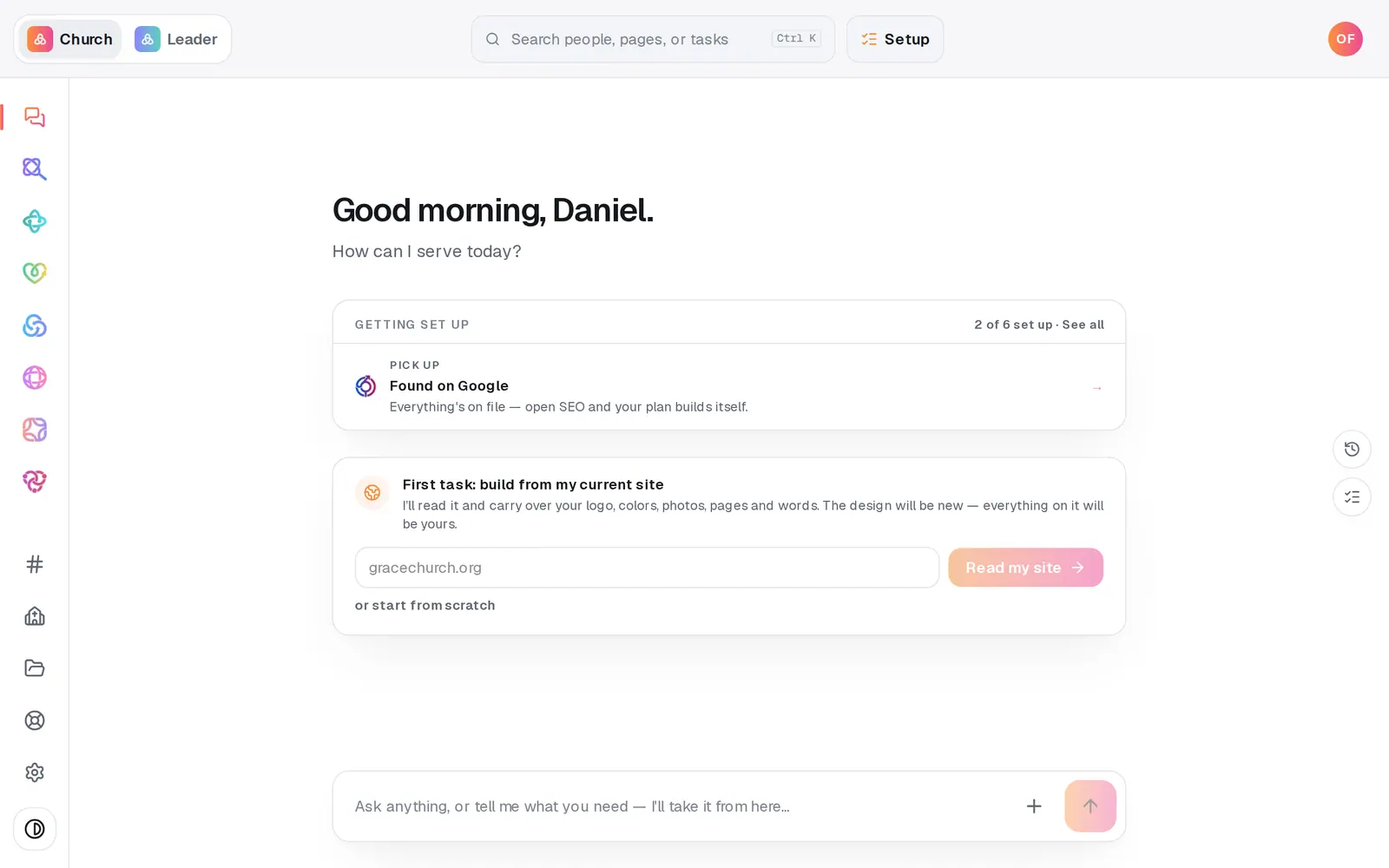
1/4 · Type a question and press Enter
Good to know
- Politeness doesn't turn an instruction into a question: “Can you publish my site?” still brings up the button to publish it. What makes something a question is its shape, like starting with “how”, “what” or “does”.
- Some website pages share a name with something else in Aligned, like events or staff, so say “page”: “open the events page” or “show me the staff page” opens your website's content.
- Documents you attach can be up to 15 MB each.
- Under each reply, thumbs up or down tells our team how it did. A thumbs-down asks what went wrong, and it's never shown to anyone at your church.
If it’s not working
I asked a question and nothing happened
That's on purpose: questions are answered, never carried out. Say it as an instruction instead, like “Publish my site” or “Turn off the prayer form on our website”.
It says “That answer didn't come through”
Aligned couldn't answer your question just then. Your question stays on screen: press Try again under that line and it asks the same question again. This only happens to questions. An instruction, like “Add the Carter family…”, still goes to the part of the workspace that does the job.
The answer stopped partway
A reply that stalls sorts itself out within about a minute: it finishes with a shorter answer, or it says what went wrong. Press Try again under that line to ask the same question again, or, if there's no button there, Retry on the note above the message box. Try again only lasts for this visit, so after a reload, type the question again.
I closed the tab before an answer finished
It isn't lost. An answer that appears word by word keeps writing after you leave, and it's saved with your question, waiting in your conversation next time (the history icon at the chat's right edge shows everything). On a staff seat that's true in Manage only, because your other chats aren't kept.
Where do I send a text message from the chat?
Texting doesn't have a module of its own. It lives in Manage → Messages, where you register your church's number, write texts and read replies. Once your number is approved, you can also ask the chat to write one. Nothing goes out until you've said who it's for and tapped the Text button with the number of people on it.
Next, you might want to
- Find your way around your church workspaceWhere your modules live, how to change pages, search for anything, and get back to the chat.
- Get a sermon or Bible study writtenAsk for a sermon, study or lesson in Aligned Church, and it opens in Aligned Leader with your words ready to send.
- Message a real person on the Aligned teamMessage the Aligned team from inside your workspace, and what happens after you press send.