Join your church's workspace from an invite
You've been invited to help run things in Aligned Church. Accepting takes a minute: you make your own login from the invitation, and you land in your church's workspace with the parts your role includes.
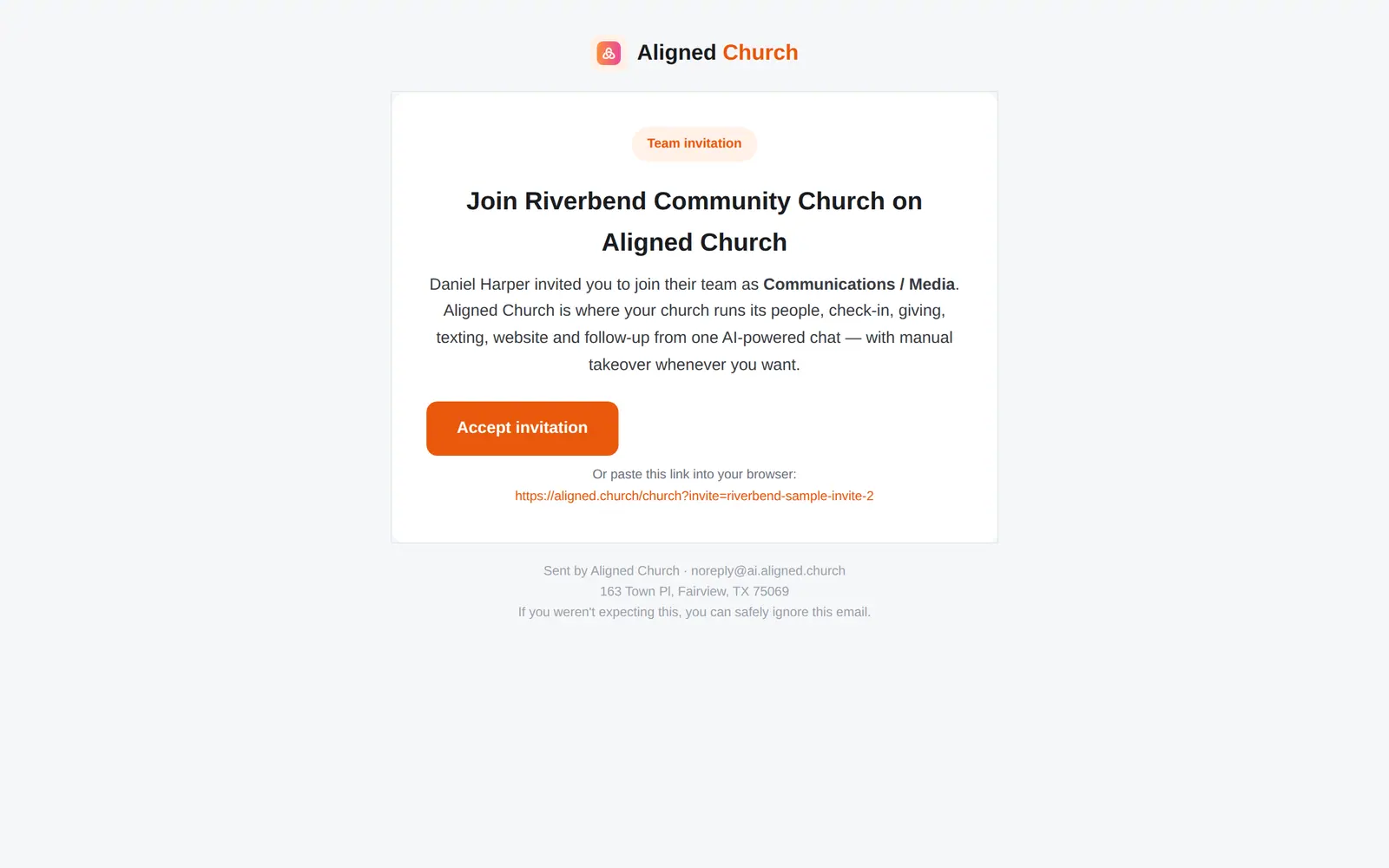
1/6 · Open the invitation and press Accept invitation
Good to know
- To come back later, go to aligned.church and press Open Aligned Church at the top right, or go straight to aligned.church/church.
- Your conversations with Aligned in Manage are your own. The owner doesn't read them, and you don't read theirs.
If it’s not working
It keeps asking me to get set up, or says “Ask your church's owner”
Your church's account owner hasn't finished setting up Aligned Church yet, and only the owner can do that. Ask them to finish Setup, then reload the page.
I signed up with a different email
That account isn't connected to your church. Go to aligned.church/help, sign in with the address you used, and message us with both addresses. A person will sort it out with you.
It says “An account with this email already exists. Try signing in.”
You already have an Aligned account with that address, and an invitation joins a brand-new account to your church. Don't make a second account with another address. Go to aligned.church/help, sign in with that address, and message us. A person will look at it with you.
A module I need isn't there
Your role doesn't include it. Ask your church's account owner to change your role in Settings → Staff.
I ended up in Aligned Leader instead
Go to aligned.church/church. If it sends you back to Aligned Leader, your role gives you nothing in Aligned Church yet: ask your church's account owner to pick a role for you in Settings → Staff.
Next, you might want to
- Find your way around your church workspaceWhere your modules live, how to change pages, search for anything, and get back to the chat.
- Message your staff in team chatPost to your whole staff, make channels for smaller teams, and hand a request from the chat to Aligned with one tap.
- Sign in or reset your passwordSign in to Aligned Church from any browser, and get back in with a reset link if you've forgotten your password.