Sign in or reset your password
New computer, cleared browser, or a password you haven't typed since the spring: getting back in takes a minute. It's the same account whether you use Aligned Church, Aligned Leader or both.
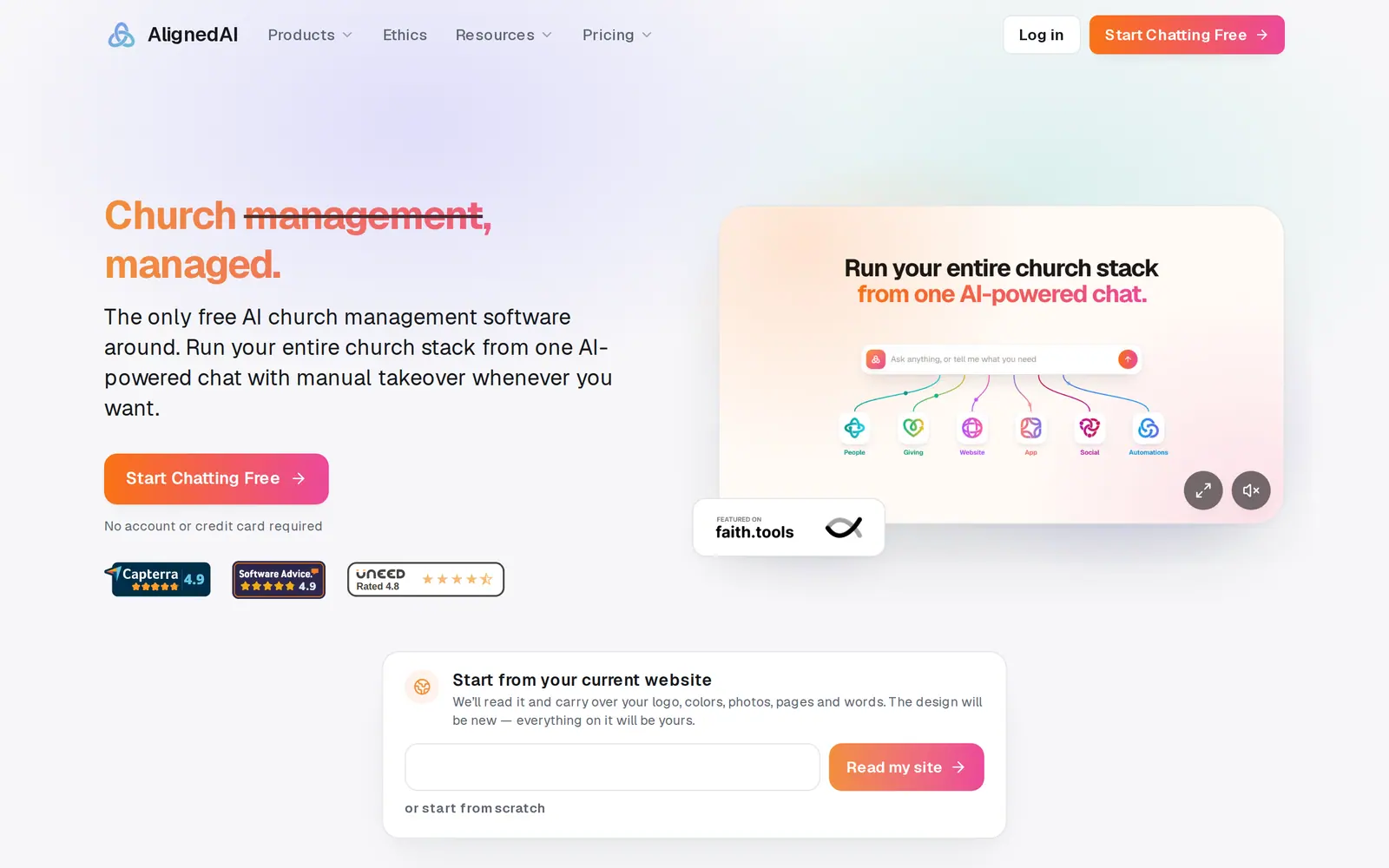
1/7 · Go to aligned.church/church and press Log in at the top right
Good to know
- From Log in at the top right of aligned.church, and on the sign-in page a reset sends you back to, Open after sign-in starts on Leader. Tap Church before you sign in so you land in your workspace.
- Tried a free workspace in this browser before? Then aligned.church/church opens that workspace, which has no Log in: press Setup, then Create your account (marked Start here), then Log in after “Already have an account?”, and sign in on the page that opens. What you tried as a guest stays with that guest session and doesn't move into your account, so redo anything you want to keep once you're in.
- Kept your free workspace with just your email? On any device, go to aligned.church/church, press Log in, then Email me a sign-in code. Type that email, press Send sign-in code, enter the 6-digit code we email you and press Sign in: you're back in that same workspace.
If it’s not working
There's no Log in button, only Start chatting free
You're already signed in. Press Start chatting free to open your workspace.
The reset email hasn't arrived
Search your inbox for “Reset your Aligned password”, and check spam and promotions. Make sure it's the email your account uses: the message on screen is the same either way. After a few requests in one hour, no more reset emails go out for a while. Or sign in with a code instead: in the sign-in window (press Back to sign in if it still shows Reset your password), check Church is raised under Open after sign-in, press Email me a sign-in code, then Send sign-in code, type the 6-digit code we email you and press Sign in. On the sign-in page itself, it's the Email code tab. It needs no password, and if there's no account at that address, it says so.
The link opened the sign-in page, or says “This reset link is invalid or has expired.”
That link was already used or is too old: each one works once and expires soon. Press Forgot password? to send yourself a new one.
It says “Passwords do not match.” or “Password must be at least 8 characters.”
Make the new password at least that long, and type exactly the same thing in both boxes.
I signed in and ended up in Aligned Leader
Open after sign-in was on Leader. Go to aligned.church/church, or tap the Church side of the switch at the top left if Aligned Leader shows one (it does once your church uses Aligned Church). It's the same account, so nothing is lost.
Next, you might want to
- Create your Aligned Church accountTurn your guest workspace into a free account with an email and a password, and keep everything you've tried.
- Start Aligned Church if you already use Aligned LeaderOpen Aligned Church from Aligned Leader with the same account, and switch back any time. Your Leader chats and plan stay as they are.
- Message a real person on the Aligned teamMessage the Aligned team from inside your workspace, and what happens after you press send.