Plan your order of service and songs
The worship leader, the sound booth and the preacher all need the same run sheet, and last week's is usually most of the way there. A service plan holds the order of service with each item's length, prints clean for the team, and sits beside a song library that transposes chords for you.
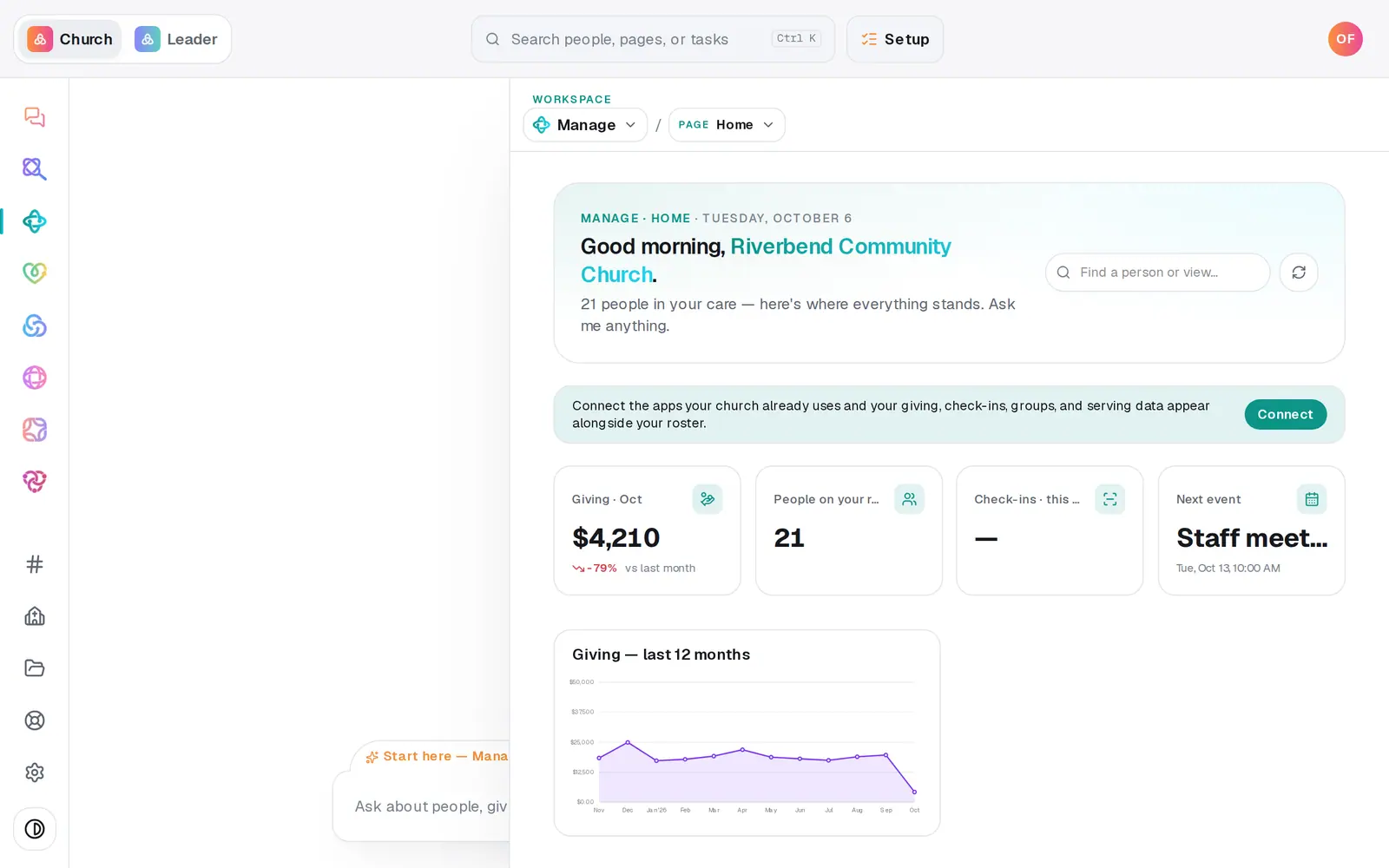
1/7 · In Manage, choose Services from the page menu
Good to know
- Add a song with Add song: its Title, Default key, the CCLI number if you have it, and the Chord sheet with chords on the line above the lyrics, then press Save song.
- Songs from SongSelect: press Import songs and import the files you download from SongSelect (ChordPro, a text chord sheet or lyrics, or a PDF chart), up to 50 at a time. Check the list, then press Import. A song already in your library says Already in your library and is skipped. A PDF opens with View chart and can't be transposed.
- The chat can edit a plan too: “add Way Maker to Sunday's plan”, “remove the announcements” or “move Build My Life to the top”. It shows the whole run sheet before anything is saved.
- Reporting to CCLI? On the Reports page, CCLI song usage CSV lists every song on your plans from the last twelve months, with its key and CCLI number.
If it’s not working
A song has no View / transpose button
Only songs saved with a chord sheet have it, and a saved song can't be edited. A song imported as a PDF has View chart instead and can't be transposed. To give a song its chords, import its ChordPro or text file with Import songs and press Add this sheet to it, or add the song again with Add song and remove the old one with its ×.
The chat says the plan “changed since I proposed this”
Someone changed the plan on the Services page after the chat showed you its version, and the chat won't overwrite their work. Say the edit again and it's applied to the plan as it is now.
Our Planning Center plans show, but I can't open them
Plans from a connected app appear as one-line rows marked read-only. Their order of service lives in that app, so edit them there.
It says “Couldn't load that song.”
The chord sheet didn't load that time. Press View / transpose again.
Next, you might want to
- Schedule volunteers for SundaySet up serving teams, ask people to serve on a date, see who confirmed, and plan around the weeks people are away.
- Add an event to your calendarPut a one-time or repeating event on your church calendar, then edit it, cancel it, add a photo or book a room.
- See how attendance is trendingRead today's check-ins and the week-by-week trend, ask the chat how attendance is going, and download every check-in as a spreadsheet.