Test an automation before it goes live
Before an automation starts writing to real people, you want to know it does what you think. The builder shows who it would have caught last week, walks an example through every step, and can send you its email or text as a test. Nobody else gets anything.
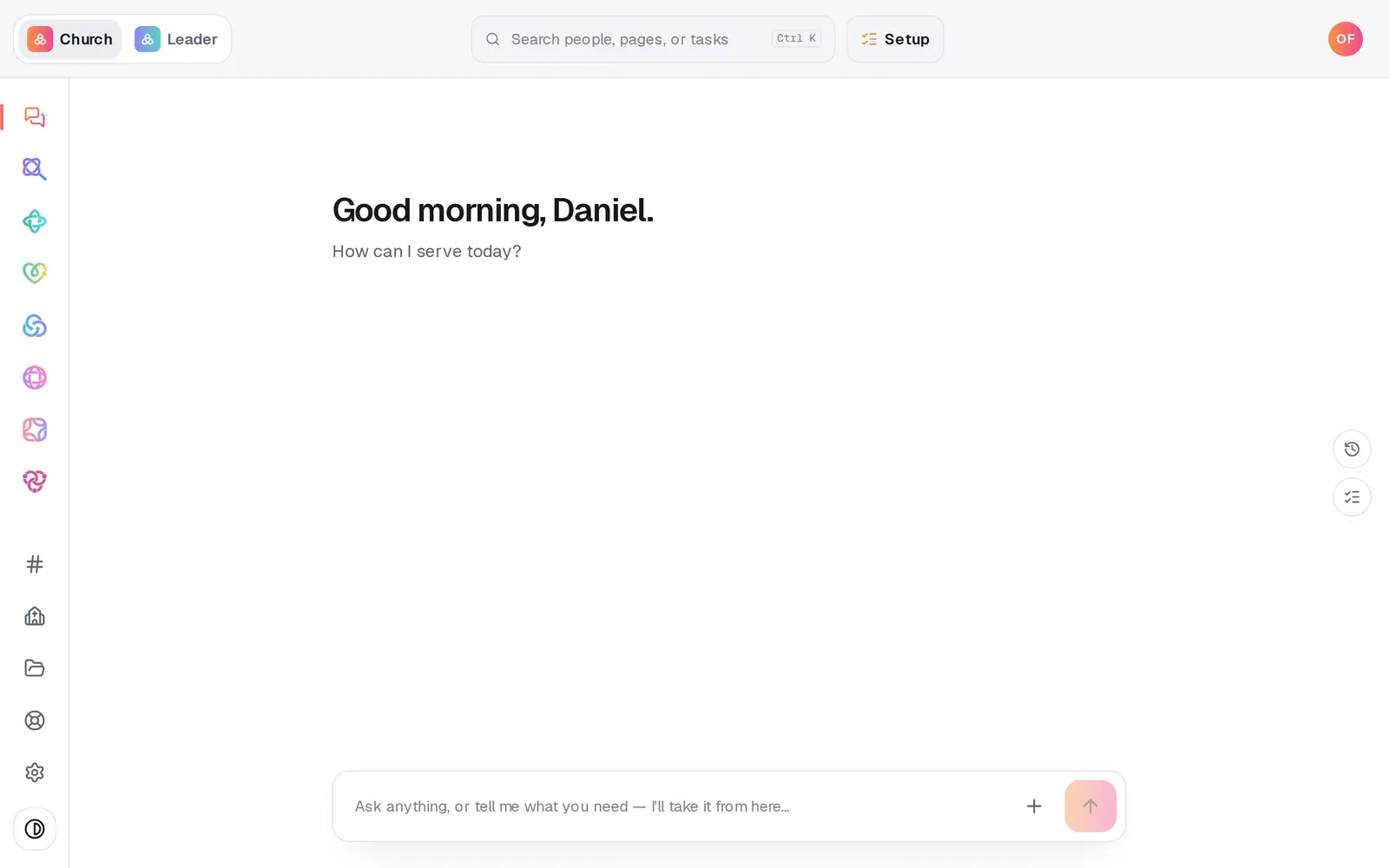
1/7 · Open Automations from the left rail
Good to know
- A test email goes to the email address on your account. A test text goes to the phone you paired in Aligned Leader under Settings → Texting (pairing needs Aligned Leader Pro).
- Change a step after testing and its “Test sent” note clears, so a test on screen always matches the words that are there now.
- Send a test to me is limited each day. If you reach the limit, it says so, and it resets tomorrow.
- Want to see every step play out first? Press Run a test, right under the line about last week. It walks the most recent time this would have fired through each step (or uses you, if nothing recent matches, and always for a prayer-request or care-case rule) and shows Would run, Would wait or Would skip, with the email or text for that person. Nothing is sent or saved. On a paused card, Run a test beside Turn on opens the builder and runs it straight away.
If it’s not working
Send a test to me is greyed out
The step isn't filled in yet. An email needs a subject and a message, and a text needs its message.
It says your church text number isn't approved yet
A text test only works once your church's texting number is live, because the real step couldn't send before then either. Test an email step meanwhile.
It says “No verified phone on your account”
A text test goes to your own phone. Pair it in Aligned Leader under Settings → Texting, which needs Aligned Leader Pro, or test an email step instead.
It says nothing is connected that can send email
Turn on Aligned Email, or connect your church's Gmail or Outlook, in Automations → Connected apps. That message doesn't use up one of your tests.
It says “Ready to make this live?”
Test sends wait until your church has finished setup, the same as real ones. Press Setup at the top of the screen and finish it.
Next, you might want to
- Build your own automationSet up your own “when this happens, do that”, by hand or by describing it, including team chat posts and webhooks from other apps.
- Put follow-up on autopilotStart from a ready-made recipe, like a welcome text or a prayer alert, and turn on your first automation.
- Check whether an automation ranSee what your automations did today, what they skipped and why, and what to fix when one didn't fire.
- Choose where your church email comes fromSend church email from your own address on aligned.church, turned on in one tap, or from your church's Gmail or Outlook.