Ask the chat for a picture
One quick graphic — a title graphic for Sunday's post, a picture for the bulletin — doesn't deserve a trip to a design tool. Ask for it in the chat the way you'd ask a person, and change it the same way.
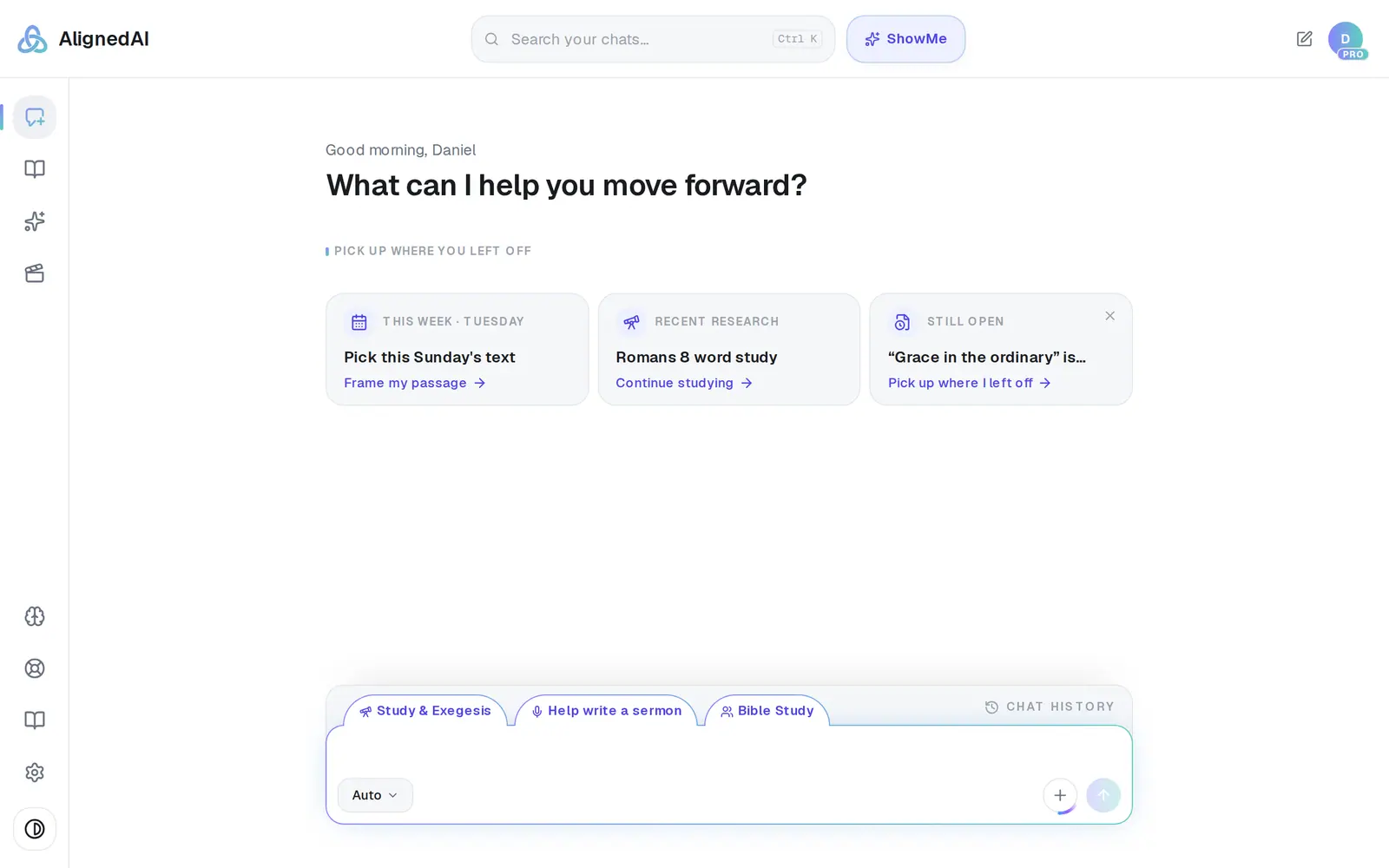
1/5 · Describe the picture in the message box
Good to know
- Each picture counts as one request and one picture from your monthly allowance — the free plan includes 20 a month, shared across everything in Aligned that makes pictures. Pro has no picture limit.
- Need a 16:9 sermon slide, a story or a banner? Use Media → Media Generator — it makes every size and gives you four options at a time.
- Writing a sermon already? With the draft open, ask Aligned to "make a graphic for this sermon, no words" and it reads the draft to decide what to show. Name a topic, a verse or a scene instead and it paints what you describe.
If it’s not working
I asked for slides and got text instead of a picture
Slides, a PowerPoint or a ProPresenter deck are treated as writing — you get text to paste into your deck. When you want a picture, say picture, image or graphic.
It edited my sermon when I asked for an illustration
Aligned reads "illustration" as a preaching illustration — a story in your sermon. Say "image", "graphic" or "picture" when you mean artwork.
It says “Something went wrong generating that image.”
Ask again. If the picture wasn't made, it doesn't count against your requests or your pictures.
It says media generation is temporarily unavailable
The service that draws the pictures isn't working right now. It isn't your plan or your limits, and nothing was charged. Try again shortly, and message us from Support if it's still happening an hour later.
It says I've used all my free images this month
The free plan includes 20 generated pictures a month, counted across everything in Aligned that makes pictures, and the count starts over on the 1st. Photos you upload never count. Pro removes the limit.
Next, you might want to
- Make a sermon graphicGet four finished options for a sermon slide, social post, giving slide or event graphic — in your church's style.
- Make graphics look like your churchSave a look and your colors for main, youth, kids and social graphics, and let Aligned build graphics around your own photos.
- Save, download or find a graphic you madeKeep the option you like, download it, make a fresh batch, and find every graphic your church has saved.