Delete your account
Whether you're moving on or tidying up an account you no longer use, you can delete it yourself in Settings, and the screen tells you exactly what will go before anything happens. It can't be undone, so take a copy of anything you want to keep first.
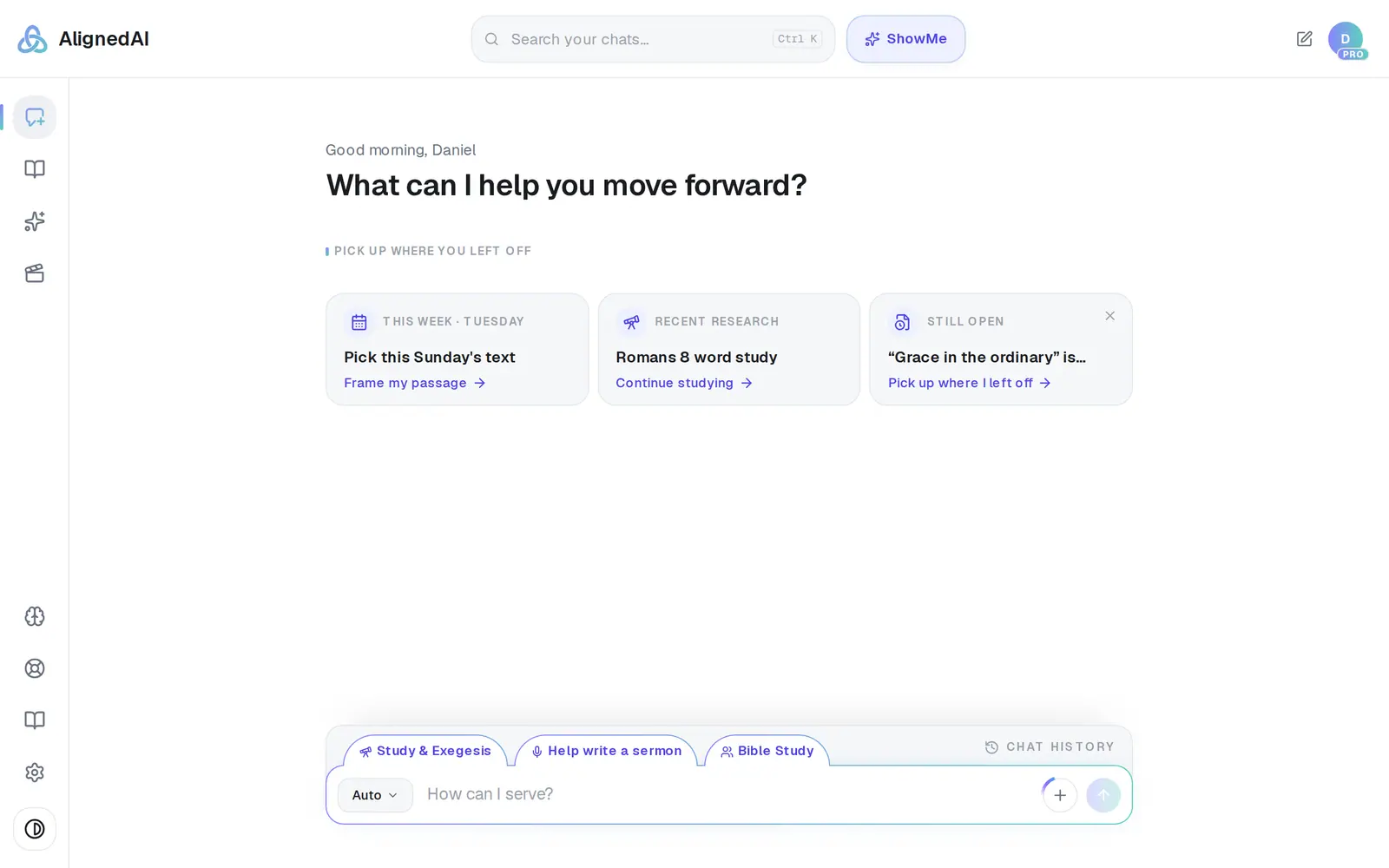
1/6 · Open Settings from the gear at the bottom of the left rail
Good to know
- Only want to stop paying? Cancelling Pro deletes nothing — see Cancel Pro (and what happens to your work).
- Leaving a church that stays? Your chats, journal, Saved Work and books still go with your account, even though you wrote them there. Take a copy first.
- If you're the owner and the whole church should go while others are still on it, message Support and a person does it.
If it’s not working
The card says to message support instead of deleting
Your church holds records about other people — people in its directory, or giving records — so one tap isn't how they go. Press Message support and a person removes the church and your account by hand; we usually reply within one business day. If the card says a plan is still active, this path doesn't stop it: cancel it where the card says, or, if it says only an owner can, ask support to stop it in that same message.
It says “What deleting your account would take has changed”
Something changed while the warning was open, usually someone joining or leaving your church. Nothing was deleted. Read the new warning, type your email again and confirm.
It says “We couldn't read your church just now, so nothing was deleted.”
A momentary hiccup, and nothing happened. Wait a moment and press Try again. If you'd already typed your email, the button is still Delete my account, so press that again instead.
A message about my plan appeared, and my account is still here
Nothing was deleted. Read it as one message: the first sentence is about your plan, and usually says it's already cancelled; the second says what to do. Most say to try again in a moment, and that usually finishes it. If it says “There is still a subscription on your billing account we couldn't stop”, message Support instead: a person has to stop that one, and trying again won't.
I think I have two accounts
Don't delete either one yet — the one you'd delete may be the one holding your work or your plan. Find chats that went missing shows how to tell them apart.
Next, you might want to
- Download your work before you leaveTake your sermons and drafts with you as Word files, PDFs or Google Docs, one item at a time.
- Cancel Pro (and what happens to your work)Cancel your subscription, what you keep, and when it takes effect.
- Find chats that went missingIf your chats and sermons seem gone, you may have two accounts — here's how to check and get it sorted.
- Get help from a real personMessage the Aligned team, send a feature idea or bug report, and know what happens after you send.