Download your work before you leave
Moving to another church, closing your account, or keeping your own copy of years of sermons: your drafts can come with you. There's no single “download everything” button; each saved item exports on its own, so if you have a lot, set aside some time.
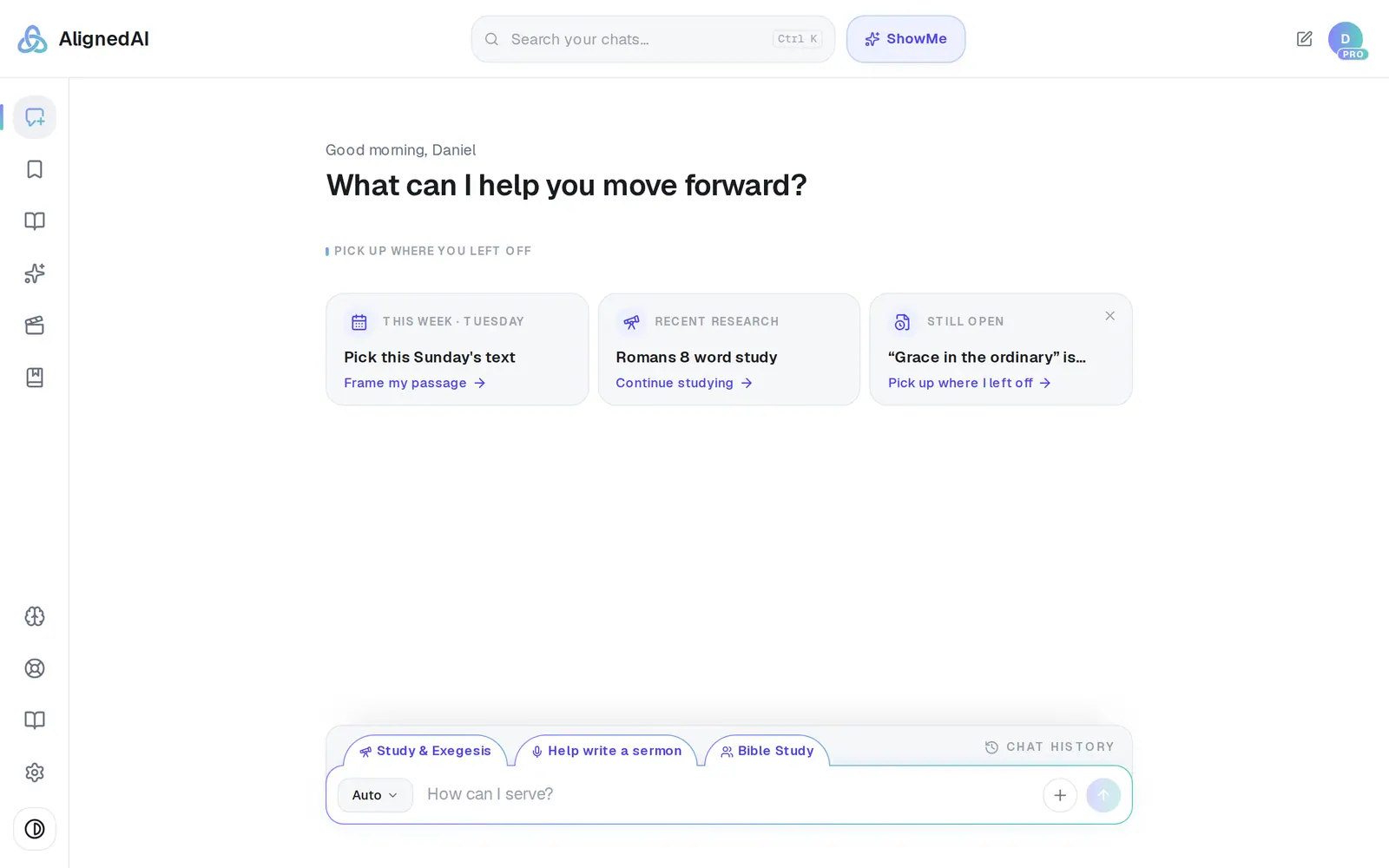
1/4 · Tap Saved in the left rail
Good to know
- A sermon that only lives in a chat? Open Chat History, tap Canvas on its row, and export it the same way — or tap Save this first so it's in Saved Work with the rest. Save this is the bookmark icon at the far left of the canvas header.
- Book chapters export one at a time from their own canvas. There's no way to download a whole book in one go.
- Your conversations themselves, the Assistant conversation, your Church Brain and files you uploaded have no download button. Ask for a copy from Support and a person handles it. Journal entries can be copied out by hand.
- Church records live in Aligned Church and have their own downloads: Manage → Reports → Take your records with you for your people, and Giving → Donations → Export all for gifts.
If it’s not working
Is there a way to download everything at once?
No — each item in Saved Work exports on its own, so forty saved items means forty exports. Every one of them has the button, though; nothing you've saved needs a special request.
Some of my sermons aren't in Saved Work
Saved Work only holds what you've saved. Find the rest in Chat History — the search there finds a phrase from inside a sermon — then open it with Canvas and export it.
There's no Saved in my menu
Saved Work only appears once you've saved something. Your drafts are still in Chat History: open one with Canvas and export it from there.
Where do the files go?
Onto your computer or phone, never into Aligned. On a computer, Word files go wherever your browser saves downloads, and PDFs wherever you save them from the print window. In the phone apps, pick Save to Files in the share sheet — closing the sheet saves nothing.
Next, you might want to
- Delete your accountWhat deleting removes, what to download first, and how to do it yourself in Settings.
- Find everything you've savedOpen Saved Work, narrow it down by folder, and reopen a saved draft to keep working on it.
- Get your sermon into Word or Google DocsDownload your draft as a Word file, or send it straight into a new Google Doc to edit and share.
- Export your people to a spreadsheetDownload your whole directory, group rosters, attendance or song usage as a spreadsheet, or just the list on your screen.