Change, pause or delete an automation
Automations need the odd bit of upkeep: the welcome text still mentions last year's service time, or the summer schedule means a reminder should rest for a while. Every automation can be changed, paused or deleted from its own card.
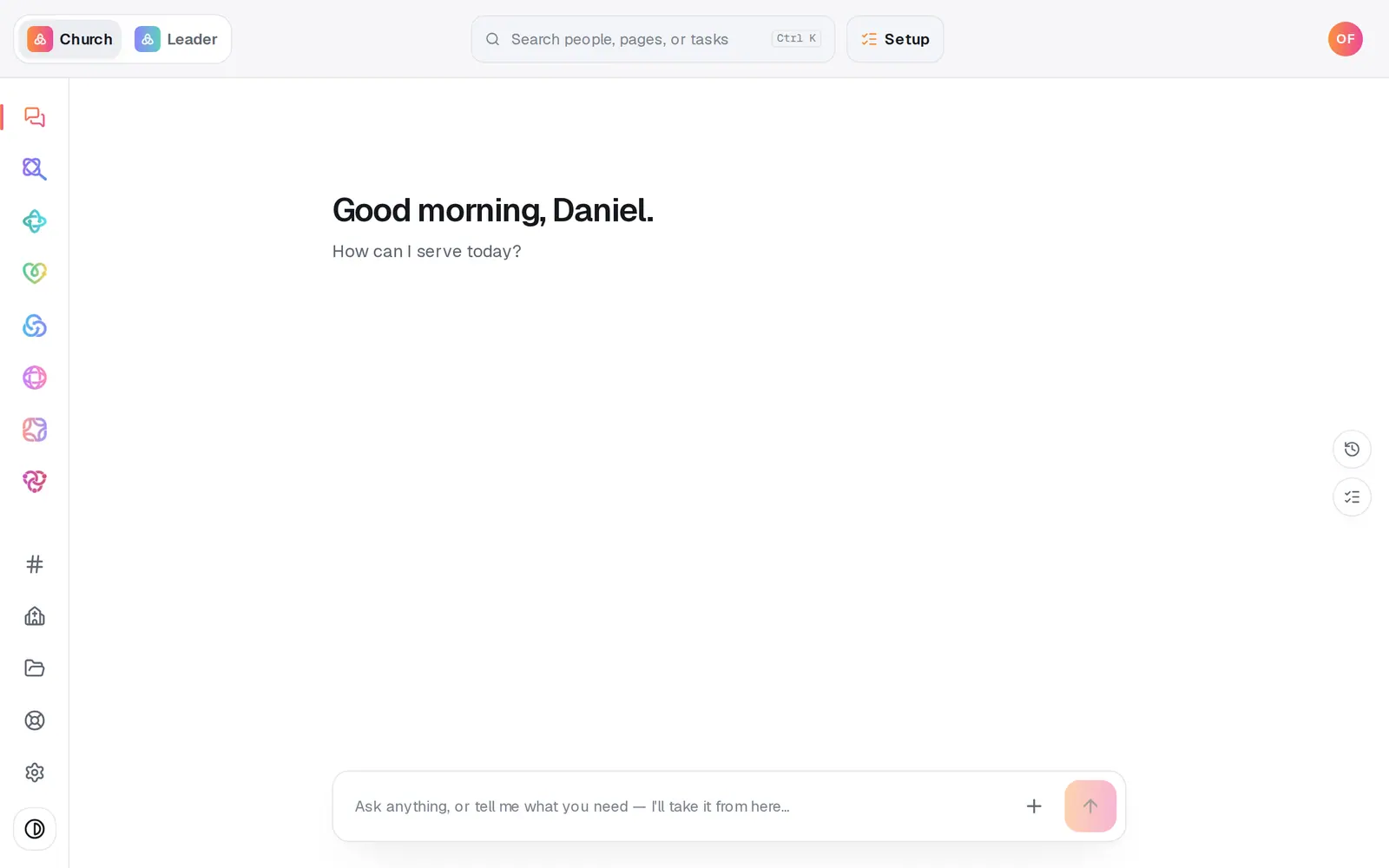
1/6 · Open Automations from the left rail
Good to know
- With Automations open, you can also ask in the chat, like “pause the birthday text”. A change to an automation's steps or wording, like “change the welcome text to say …”, waits until you tap the button in the reply.
- Manage → Follow-ups lists your automations too, under Automations, with pause and delete buttons. The delete button there removes the automation without asking first, so take care.
- If a colleague has the same automation open, a line at the top of the builder says so and offers Take it over. Nothing is locked, and they're told if you take it over.
If it’s not working
It says “Ready to make this live?” when I turn it back on
Turning an automation on waits until your church has finished setup. Press Setup at the top of the screen and finish it. Pausing and editing don't need it.
I don't see the pencil, pause or trash buttons
Your role can view Automations but not change them. Ask your church's account owner for a role that can edit them.
It says “That didn't save — try again.”
Press Save changes again. Your edits stay in the builder until they save.
I deleted an automation by mistake
Deleting can't be undone, and its run history is gone too. Build it again with Add new, from the same recipe or by hand. If it was your only automation, the recipes are back on the page, and Build your own starts one by hand.
Next, you might want to
- Put follow-up on autopilotStart from a ready-made recipe, like a welcome text or a prayer alert, and turn on your first automation.
- Build your own automationSet up your own “when this happens, do that”, by hand or by describing it, including team chat posts and webhooks from other apps.
- Check whether an automation ranSee what your automations did today, what they skipped and why, and what to fix when one didn't fire.
- Test an automation before it goes liveSee who an automation would have caught last week, watch what it would do, and send its email or text to yourself before you turn it on.